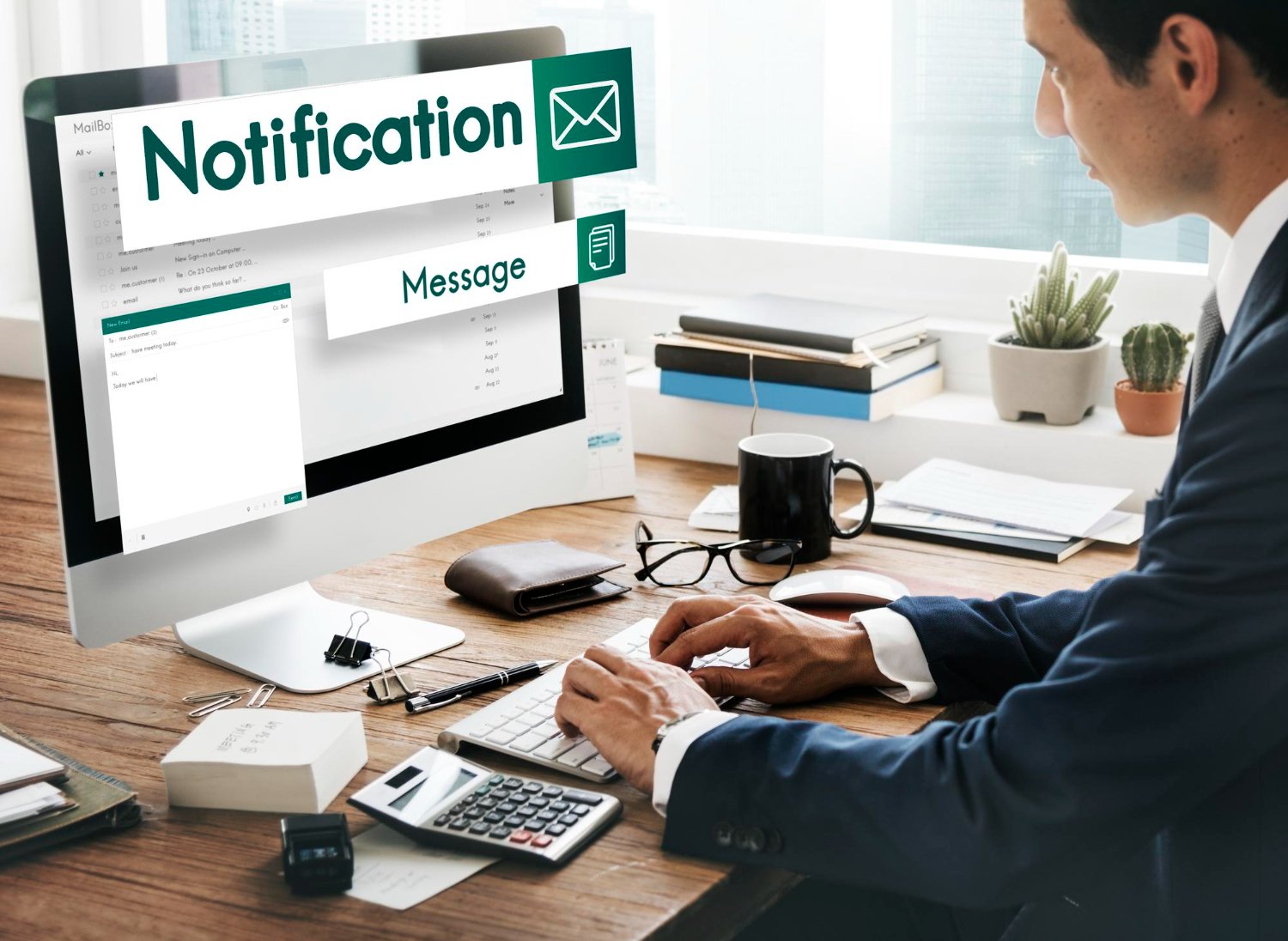

WhatsApp Integration for Business Central

Automate WhatsApp Communication Directly from Microsoft Dynamics 365 Business Central

Connect WhatsApp with Microsoft Dynamics 365 Business Central to automate business notifications, keep customers and stakeholders informed, and simplify document sharing.

WhatsApp Integration for Business Central enables businesses to send WhatsApp messages directly from Business Central for important business events such as sales orders, shipments, and invoices. Personalize messages with dynamic Business Central data, use configurable templates, and attach relevant PDF documents such as invoices, remittance advice, and shipment notes.

With Twilio integration and a Business Central-native workflow, teams can manage WhatsApp communication without switching between multiple applications.

Automate communication. Reduce manual work. Keep stakeholders informed.

What Is WhatsApp Integration for Business Central?

WhatsApp Integration for Business Central enables businesses to send automated WhatsApp notifications from Microsoft Dynamics 365 Business Central based on supported business events and documents.

Connect Business Central with WhatsApp through Twilio, configure message templates with dynamic fields, and share relevant PDF documents directly as part of your communication workflow.

Instead of manually preparing and sending repetitive messages, businesses can incorporate WhatsApp communication into their existing Business Central processes.

Business Communication Shouldn't Be Manual

Important business updates often require teams to repeatedly prepare messages, retrieve documents, and communicate with customers or other stakeholders.

Manual communication can lead to:

When communication is closely tied to orders, shipments, invoices, and other business documents, manual processes can slow down everyday operations.

Powerful WhatsApp Communication from Business Central

Make Business Communication
Faster and More Consistent

Automate Everyday Business Notifications

Business Scenario

WhatsApp Workflow

Personalize Every Message

Use Business Central Data to Create Relevant Communication

Generic messages are less useful than communication that reflects the actual transaction.

WhatsApp Integration allows businesses to configure templates with dynamic Business Central information.

For example:

Hello [Customer Name],

Your order [Order Number] has been processed.

Your invoice is attached for your reference.

This approach helps businesses create more relevant and personalized communication while reducing the effort required to prepare messages manually.

Connect WhatsApp Through Twilio: A Connected
Messaging Workflow

WhatsApp Integration for Business Central works with Twilio to connect your Business Central environment with WhatsApp messaging.

The integration provides a streamlined workflow for configuring WhatsApp communication, message templates, dynamic fields, and document attachments.

Key capabilities include:

Built for Business Central

Keep Communication Connected to Your ERP Workflow

WhatsApp Integration is designed to work within the Business Central environment, allowing businesses to connect operational events with customer communication.

Instead of manually exporting information, switching applications, preparing messages, and attaching documents, teams can incorporate WhatsApp communication into their existing Business Central processes.

The result:

A simpler way to keep customers and stakeholders informed.

Business Central Solutions Built Around Real Business Processes

Sarakadiya helps organizations extend and optimize Microsoft Dynamics 365 Business Central through purpose-built applications, integrations, and business solutions.

Our solutions are designed to reduce manual processes, connect business systems, and help organizations get more value from their Business Central investment.

With WhatsApp Integration for Business Central, businesses can bring customer communication closer to the ERP processes that generate the information customers need.

Frequently Asked Questions

What is WhatsApp Integration for Business Central?

WhatsApp Integration for Business Central enables businesses to send WhatsApp notifications from Microsoft Dynamics 365 Business Central based on supported business events and documents.

The integration connects Business Central with WhatsApp through Twilio. Supported Business Central events can trigger configured messages containing dynamic business information and relevant PDF attachments.

Yes. Sales order-related notifications can be configured as part of the WhatsApp communication workflow.

Yes. Shipment-related WhatsApp notifications can be configured to keep customers informed about relevant shipment updates.

Yes. Businesses can send invoice-related WhatsApp notifications and attach invoice PDFs to the message.

Yes. Supported PDF documents such as invoices, remittance advice, and shipment notes can be attached to WhatsApp messages.

Yes. Message templates can use dynamic Business Central information such as customer names, order numbers, and other configured data fields.

Yes. The solution integrates with Twilio to enable WhatsApp messaging from the Business Central workflow.

Yes. Message formats can be configured and customized using dynamic fields to suit different communication requirements.

Yes. A test message feature allows you to preview and test configured messages before using them in your business communication workflow.

No separate middleware platform is required. The solution is designed to work within the Business Central environment while using Twilio for WhatsApp messaging.

The solution is suitable for businesses across manufacturing, professional services, MSPs, distribution, wholesale, retail, technology, and other service-based industries that use Business Central and require customer or stakeholder communication.

Connect Business Central with WhatsApp

Turn Business Central Events into Timely Communication

Automate routine WhatsApp notifications, personalize messages with Business Central data, and share important business documents with customers and stakeholders.

Reduce manual communication. Improve responsiveness. Keep everyone informed.

Directions Paris EMEA 2026 Expo Banner

WE’RE ATTENDING DIRECTIONS EMEA 2026

Date: October 27–29, 2026

We’re excited to be part of Directions EMEA 2026 in Paris, connecting with Microsoft Dynamics 365 Business Central partners, technology leaders, and industry experts.

Dimple Mamtora

Dimple Mamtora

HR Manager

Strategic HR leader specializing in talent acquisition, HR operations, employee experience, and organizational culture. She focuses on building agile, inclusive, and performance-driven workplaces through effective people strategies and streamlined HR practices.
Nisha patel

Nisha Patel

Marketing Manager

Marketing professional specializing in B2B SaaS, ERP ecosystems, and revenue-focused growth, with expertise across demand generation, go-to-market strategy, pre-sales enablement, and customer engagement. She brings a strong ability to connect business strategy with customer needs, driving pipeline growth, solution positioning, strategic partnerships, and measurable business outcomes.

Khushboo Prasad

VP of Technical Operations

Solution Architect specializing in Microsoft Dynamics 365 Business Central and NAV, with expertise across ERP implementations, upgrades, integrations, and business process optimization. She brings strong functional and technical knowledge across Finance, Sales, Purchase, Manufacturing, EDI, Azure DevOps, and Power Platform.
Kishan Nandaniya

Kishan Nandaniya

VP of Strategic Partnerships & Alliances

Vice President of Sales and Solution Consultant specializing in Microsoft Dynamics 365, Power BI, Customer Engagement, and Azure. He helps businesses align technology investments with strategic goals and drive measurable digital transformation.

Mayank Jangid

Sr. Technical Manager

Senior Technical Manager specializing in Microsoft Dynamics NAV and Dynamics 365 Business Central, with expertise in application development, technical consulting, and ERP solutions.

Sagar Dangar

Chief Technical Officer

Solution Architect and CTO specializing in Microsoft Dynamics NAV, Dynamics 365 Business Central, and CRM. His expertise spans enterprise architecture, ERP implementations, integrations, upgrades, custom development, and digital transformation.

Umesh Bobade

Project Lead

Techno-functional ERP Consultant specializing in Microsoft Dynamics 365 Business Central, with expertise in end-to-end ERP implementations, solution mapping, customization, and AL development.

Neha Nanda

Sr. Technical Manager

Senior Technical Manager and Microsoft Dynamics 365 Business Central technical consultant, specializing in ERP development, customization, technical solutions, and application delivery.

Pravin Dangar

Managing Director

Business leader and technology specialist with expertise spanning Microsoft ERP implementations, digital transformation, global accounting, financial structuring, and mining-sector operations. He brings together technology, industry knowledge, and business strategy to create sustainable growth.