

Home / Microsoft ERP Services / Implementation
A successful ERP implementation is about more than configuring software. It’s about creating a solution that fits your business, connects your systems and enables your people to work effectively from day one.
Sarakadiya helps organizations implement Microsoft Dynamics 365 ERP solutions, with specialized expertise in Dynamics 365 Business Central. From requirements and solution design to data migration, configuration, integrations, testing, training and go-live, we bring together the expertise needed to turn your ERP investment into business value.
Whether you’re implementing Business Central for the first time, replacing a legacy ERP or expanding your existing Microsoft environment, we help you move from strategy to successful go live.
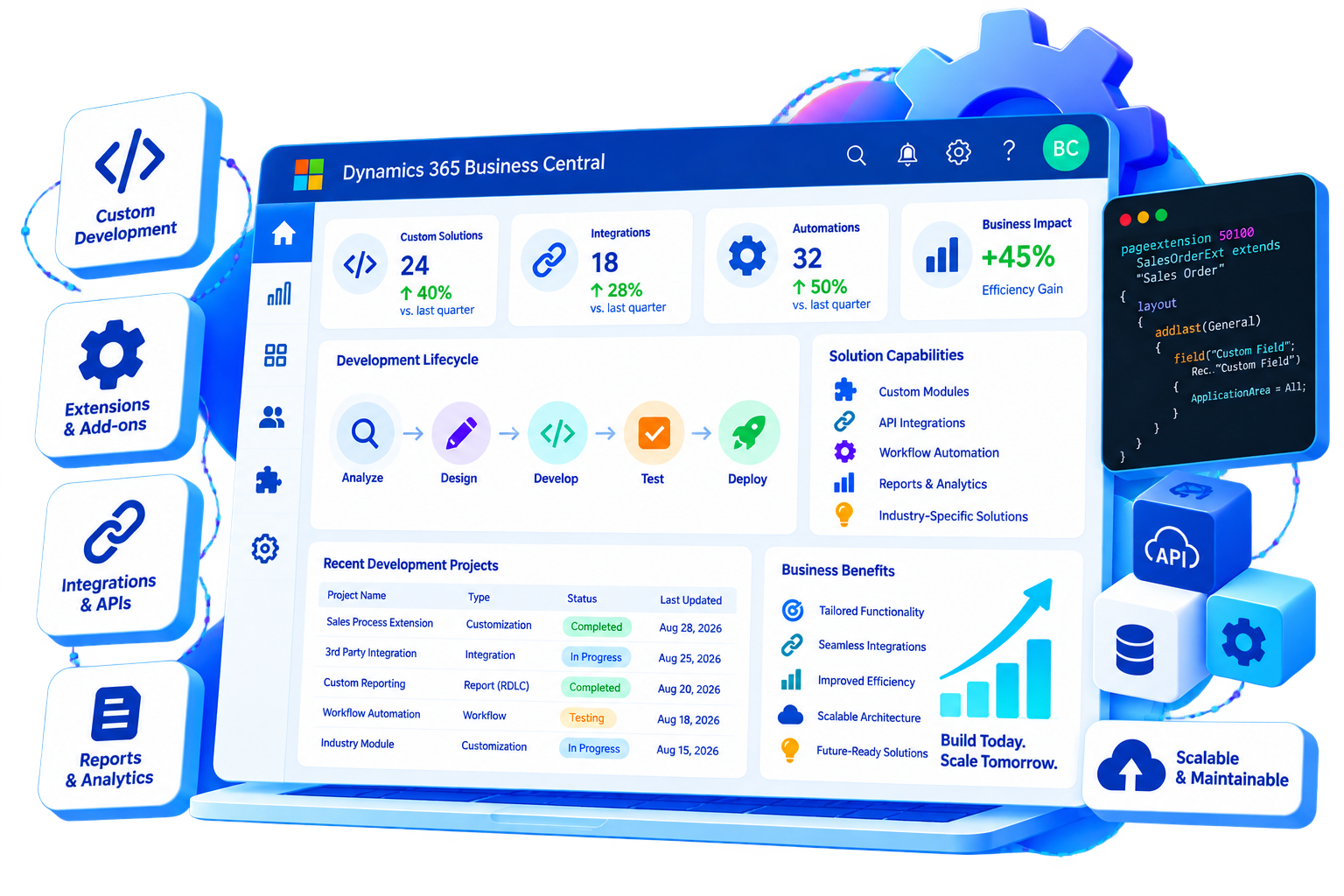

No two ERP implementations are the same. Your processes, data, integrations, people and growth plan all influence what a successful implementation looks like.
Sarakadiya takes a structured, business-first approach to Microsoft ERP implementation – balancing standard Microsoft capabilities with the configuration, integrations, extensions and process improvements your organization needs.
We start with your processes, requirements and desired business outcomes.
A clear implementation framework keeps scope, milestones, dependencies and decisions aligned.
We design Business Central to work with the systems and applications your business relies on.
We prepare your people through training, communication and change management.
We create an ERP foundation that can evolve as your business grows.
Sarakadiya helps organizations implement Dynamics 365 Business Central across the business functions that matter most.
General ledger, accounts payable, accounts receivable, budgeting, fixed assets, cash management and financial reporting.
Sales processes, quotations, orders, invoicing, pricing and customer workflows.
Procurement processes, purchase orders, vendor management and approvals.
Inventory management, item tracking, warehouse processes, replenishment and supply chain operations.
Production planning, bills of materials, capacity and manufacturing workflows where applicable.
Project planning, budgeting, resources, time and project financial management.
Service processes, service orders, resources and customer service workflows where applicable.
Business reporting, dashboards, KPIs and connected information for better decision-making.

Understand your business processes, users, requirements, pain points and desired outcomes.

Translate business requirements into a practical Microsoft ERP solution.

Configure Business Central to support your approved business processes and requirements.

Move the data your business needs into your new ERP environment through a structured migration and validation process.

Connect Business Central with the systems your business already uses.

Use standard Business Central capabilities wherever possible and extend the platform where your business requires additional functionality.

Validate the solution before it reaches your users.

Help your people understand and adopt the new ERP.

Move from your existing environment to your new ERP through a controlled and well-prepared transition.
Not every business needs the same level of ERP functionality or implementation complexity.
Sarakadiya offers structured Dynamics 365 Business Central implementation packages for organizations ranging from straightforward implementations to complex, multi-entity environments.
Choose a starting package based on your business requirements, scope and complexity, with the flexibility to tailor the solution as needed.
Typical timeline: 4–6 weeks*
Best suited for: Early-stage businesses, smaller organizations and straightforward ERP implementations.
Ideal for: Businesses looking to establish a strong financial and operational ERP foundation without unnecessary complexity.
Typical timeline: 8–12 weeks*
Best suited for: Growing SMBs with broader financial and operational requirements.
Ideal for: Growing organizations that need Business Central to support more complex business processes across departments or entities.
Timeline: Based on scope and complexity
Best suited for: Multi-entity organizations, complex operations and businesses with advanced ERP requirements.
Ideal for: Organizations with complex operations, multiple entities, advanced supply chain requirements or significant customization and integration needs.
Every Sarakadiya Business Central implementation is designed around the same principles:
Clear implementation scope, deliverables and responsibilities.
Access to experienced Microsoft Dynamics 365 Business Central consultants.
A defined approach from configuration through testing and go-live.
Migration of agreed business data with validation and reconciliation.
Training and guidance to help your teams adopt the new ERP.
Support through cutover and initial stabilization.
| Capability | Standard | Business | Enterprise |
|---|---|---|---|
| Business Central Setup | ✓ | ✓ | ✓ |
| Financial Management | ✓ | ✓ | ✓ |
| Sales Management | ✓ | ✓ | ✓ |
| Purchase Management | ✓ | ✓ | ✓ |
| Inventory Management | ✓ | ✓ | ✓ |
| Fixed Assets | — | ✓ | ✓ |
| Project / Job Management | — | ✓ | ✓ |
| Intercompany | — | ✓ | ✓ |
| Warehouse Management | — | — | ✓ |
| Manufacturing | — | — | ✓ |
| Assembly Management | — | — | ✓ |
| Data Migration | ✓ | ✓ | ✓ |
| Integrations | Basic | Standard | Advanced |
| Custom Extensions | As required | As required | ✓ |
| User Training | ✓ | ✓ | ✓ |
| Testing | Standard | Expanded | Comprehensive |
| Go-Live Support | ✓ | ✓ | ✓ |
| Change Management | — | Optional | ✓ |
| Timeline | 4–6 weeks* | 8–12 weeks* | Custom |
Understand your business, processes, users, systems and implementation goals.
Define the future-state solution, architecture, integrations and implementation scope.
Configure Business Central and develop the required extensions, workflows and integrations.
Prepare, migrate and validate data while connecting Business Central with your wider technology ecosystem.
Validate business processes, resolve issues and prepare users for the new ERP environment.
Execute the cutover, validate the production environment and transition your business to the new ERP.
Support users, resolve early issues and identify opportunities for continuous improvement.

Standardize and streamline processes across departments.

Create a consistent flow of information across your ERP and connected systems.

Give finance and business leaders access to timely operational and financial information.

Reduce spreadsheets, duplicate data entry and disconnected processes.

Equip employees with the knowledge and workflows they need to work effectively.

Build an ERP foundation that can support future growth.

Balance standard functionality, extensions and integrations to avoid unnecessary complexity.
Starting from a clean slate? Build Business Central around your current processes and future business goals.
Moving away from an older ERP? Plan the transition around data, processes, integrations and user readiness.
Need to simplify an existing environment? Reassess processes, customizations and data to create a cleaner foundation.
Growing into new entities, locations, business units or processes? Extend your existing Business Central environment.
Moving from an on-premises environment toward Business Central online? Plan the technical, data and operational transition carefully.
A successful ERP implementation requires more than one type of specialist.
Sarakadiya can bring together the expertise required across the implementation lifecycle.
Translate business requirements into Business Central processes and configurations.
Design technical architecture, integrations and extensions.
Build custom functionality and extensions where required.
Prepare, migrate and validate critical business data.
Connect Business Central with Microsoft and third-party applications.
Validate functionality, integrations, performance and business processes.
Coordinate scope, timelines, dependencies, risks and stakeholders.
Prepare users and teams for adoption.
We design the implementation around your processes and business objectives - not simply the software.
Deep expertise across Microsoft ERP technologies with a strong focus on Dynamics 365 Business Central.
From discovery and design through migration, integration, testing, go-live and stabilization.
We prioritize standard functionality and use extensions and custom development where they genuinely add value.
We consider your ERP as part of your wider technology ecosystem—not a standalone application.
Our relationship doesn't end when the system goes live. We can continue to support, optimize and evolve your ERP environment.
Built Around How Your Business Operates
Your implementation should reflect your industry’s processes, reporting requirements and operational realities.


Manage projects, budgets, procurement, subcontractors, and financial reporting from a single platform. Business Central helps construction and real estate businesses improve project profitability, control costs, and enhance operational visibility.
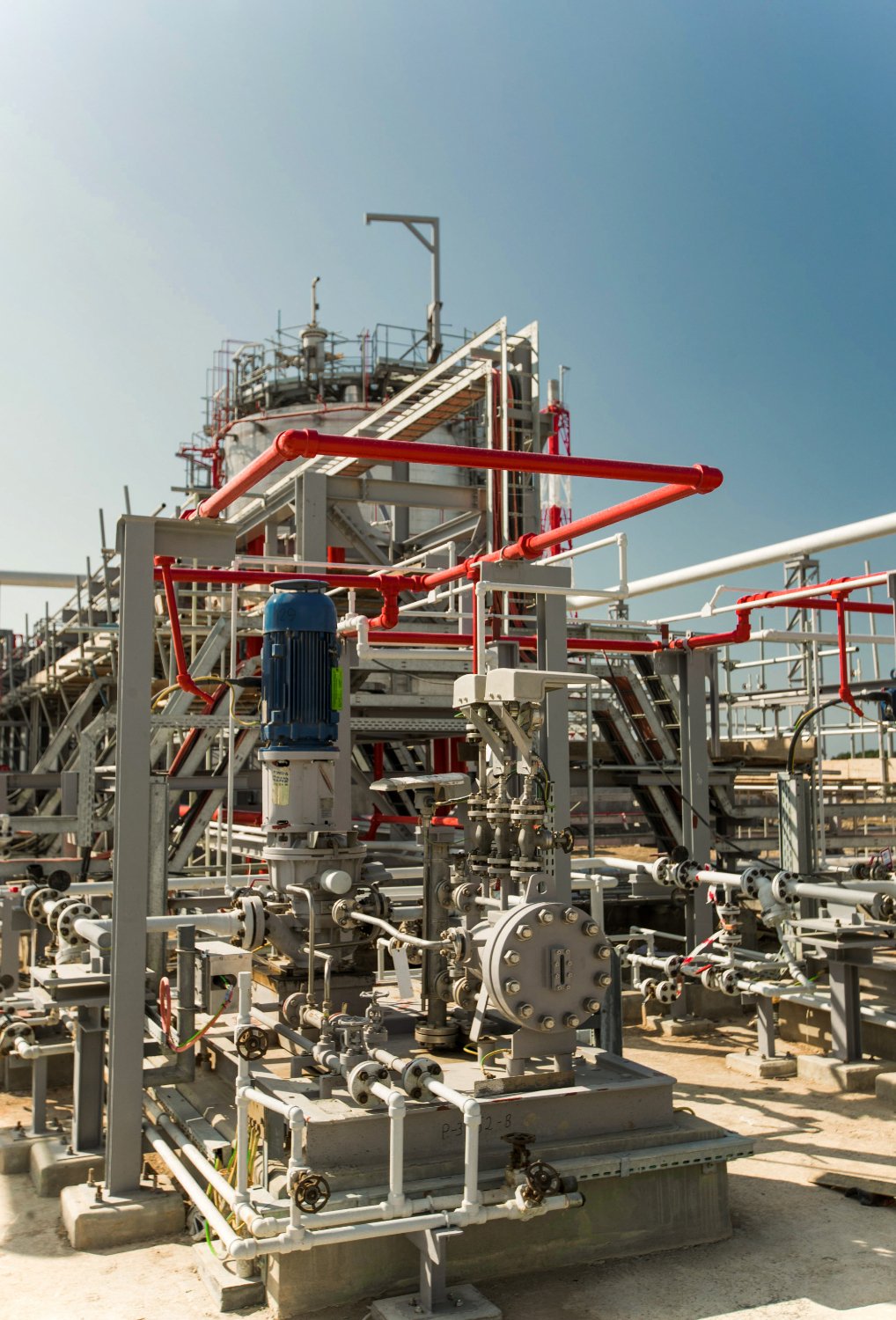
Simplify financial management, procurement, inventory control, and operational reporting while maintaining compliance across complex business operations. Business Central provides the visibility needed to improve efficiency and support informed decision-making.






Explore how organizations worldwide transformed operations, streamlined finance and accelerated growth with Sarakadiya’s Microsoft expertise.
Seamlessly Upgrading an MSP from Business Central 15 On-Premises to Business Central 25 Cloud
Microsoft ERP implementation is the process of planning, configuring, integrating, testing, deploying and adopting a Microsoft ERP solution such as Dynamics 365 Business Central. It typically includes requirements analysis, solution design, data migration, integrations, testing, training, go-live and post-launch support.
A Business Central implementation can include discovery, requirements gathering, solution design, configuration, data migration, integrations, extensions, testing, user training, change management, cutover and go-live support.
The timeline depends on factors such as business complexity, scope, number of users or entities, integrations, data migration requirements, customizations, testing and organizational readiness. A realistic timeline should be established after assessing the specific requirements and implementation scope.
The cost depends on the scope and complexity of the implementation, including required functionality, data migration, integrations, custom development, users, entities, testing and training. Sarakadiya can assess your requirements and provide a more relevant implementation estimate.
Yes. Sarakadiya can support ERP migration initiatives involving data assessment, migration planning, data preparation, validation, integrations, testing and cutover. Specific migration paths and requirements depend on the source ERP and environment.
Yes. A new Business Central implementation can be designed around the organization’s processes, financial structure, reporting requirements, integrations and future growth plans.
Yes. Business Central can be integrated with Microsoft applications and third-party systems using appropriate integration technologies, APIs and connectors.
Yes. We use standard Business Central capabilities where appropriate and can develop extensions, workflows, reports, integrations and other custom functionality where business requirements require it.
Yes. User training and readiness can be incorporated into the implementation plan to help teams understand new processes, roles and Business Central functionality before go-live.
Post-go-live activities typically include stabilization, issue resolution, user support, performance monitoring and ongoing optimization. Sarakadiya can continue supporting your Microsoft ERP environment after implementation.
Build an ERP That Works for Your Business Today—and Evolves With It Tomorrow.
Whether you’re implementing Dynamics 365 Business Central for the first time, replacing a legacy ERP or expanding your existing Microsoft environment, Sarakadiya can help you move from strategy to successful go live.