

Home / Microsoft ERP Services / Custom Development
We help you add the capabilities your business needs while keeping your ERP scalable, maintainable and ready for future growth.
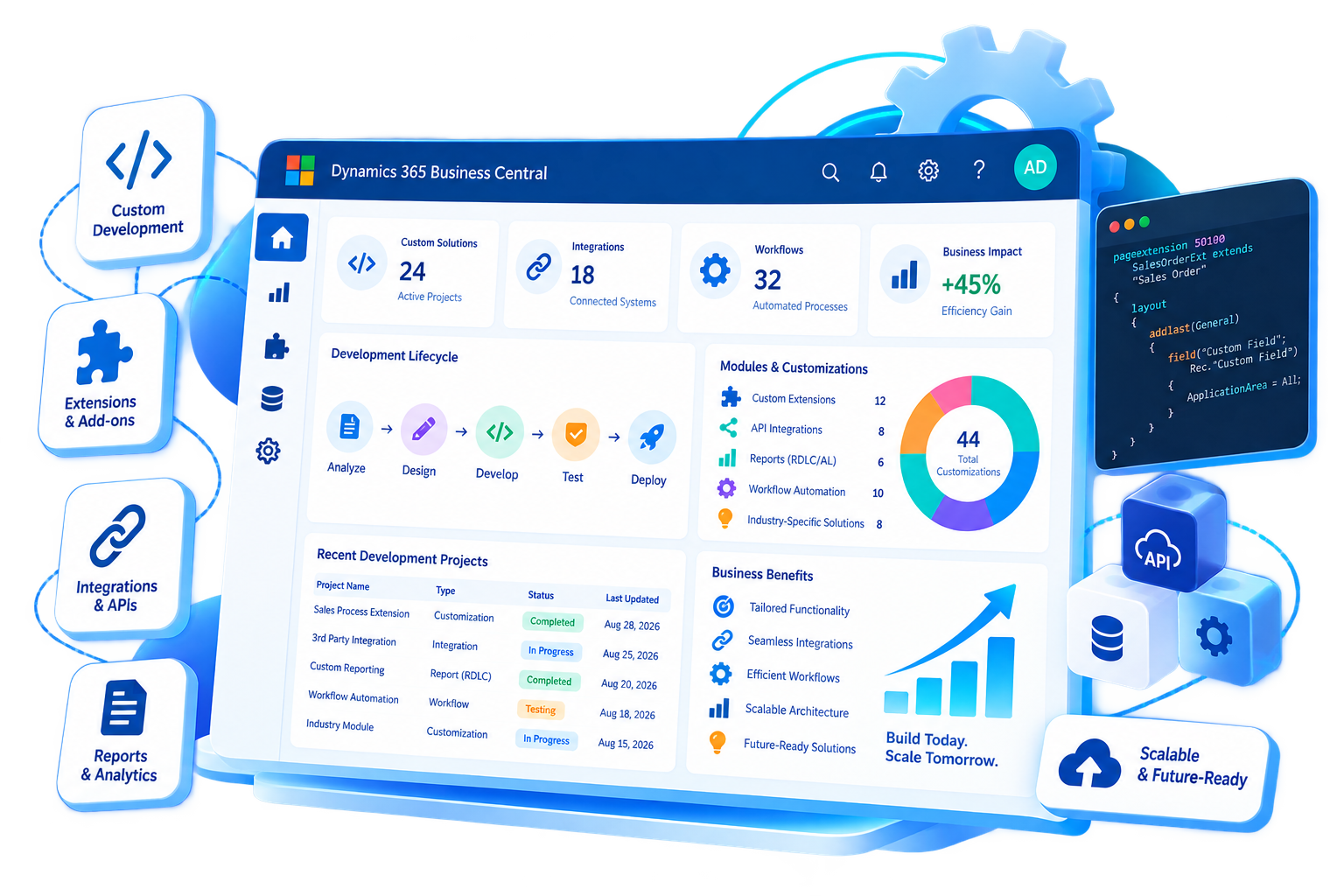

Your ERP should support the way your business operates. But customization for the sake of customization can create technical debt, complicate upgrades and increase long-term maintenance.
Sarakadiya takes a business-first, extension-led approach to custom development. We first understand the requirement, then determine whether it is best addressed through standard Business Central functionality, configuration, workflow, integration, an extension or custom development.
Build functionality around genuine business requirements.
Build solutions designed for long-term support and future changes.
Extend Business Central without unnecessarily modifying the core application.
Prioritize development that improves efficiency, visibility, automation or scalability.
Integrate ERP with the systems your business already uses.

Build functionality that extends the standard Business Central application while following Microsoft’s modern development approach.


When standard APIs don’t meet a specific integration requirement, custom APIs can provide controlled access to Business Central data and functionality.


Standard reports don’t always answer the questions your business needs to ask.
We develop tailored reporting solutions that help users and decision-makers access the information relevant to their roles.
Existing ERP customizations can become difficult to maintain as your Business Central environment evolves.
We assess legacy functionality and determine what should be:
If it continues to deliver business value.
If standard Business Central now provides the required capability.
If the underlying business process can be improved.
If custom functionality remains necessary and should be developed using modern extension architecture.
The best ERP development decision isn’t always to build something new.
Before developing a custom solution, we evaluate whether the requirement can be addressed through the most appropriate option.
Use capabilities that already exist within the platform.
Adapt the system through supported configuration options.
Automate the process without creating unnecessary custom functionality.
Use an appropriate Microsoft or third-party solution where it provides the right fit.
Develop tailored functionality when the requirement genuinely needs custom development.
For requirements that extend beyond the ERP itself, consider a broader application or solution.
We start with the business problem, users, process and desired outcome.
Determine whether the requirement is best solved through standard functionality, configuration, integration, extension or custom development.
Define the functional and technical solution, data requirements, user experience and integration points.
Build the solution using appropriate Business Central and Microsoft development technologies.
Validate functionality, integrations, data, performance and user workflows.
Release the solution into the target environment through a controlled deployment process.
Maintain the solution, address issues and enhance functionality as business requirements change.

Develop extensions and custom functionality using Microsoft's AL development model.

Work with tables, pages, reports, codeunits, queries and other Business Central application objects.
Build integrations and APIs for exchanging data between Business Central and external systems.
Develop maintainable extensions that add functionality without unnecessarily modifying the core application.

Connect Business Central with Power Platform capabilities where automation, workflows or connected applications add value.

Use Azure services where cloud architecture, integration, automation or data requirements call for them.

Build, test and monitor solutions using appropriate validation and telemetry practices.
Automate financial processes, improve reporting and build functionality around unique finance requirements.
Extend ERP capabilities while maintaining a scalable, supportable and integrated technology environment.
Automate operational workflows and connect processes across departments.
Add specialized Business Central development expertise without expanding permanent internal teams.
Turn unique business requirements into practical ERP capabilities without forcing the business into rigid processes.
We start with the business problem—not the code.
We use supported Business Central extensibility patterns to create solutions designed for long-term maintainability.
Deep knowledge of Dynamics 365 Business Central and the broader Microsoft ecosystem.
Connect ERP with the applications, platforms and data your business relies on.
We distinguish between what should be configured, integrated, extended and custom-built.
We consider maintainability, future upgrades, performance and scalability—not just today's requirement.
Custom development can connect with Sarakadiya's consulting, implementation, migration and support capabilities when your project requires them.


Manage projects, budgets, procurement, subcontractors, and financial reporting from a single platform. Business Central helps construction and real estate businesses improve project profitability, control costs, and enhance operational visibility.
Simplify financial management, procurement, inventory control, and operational reporting while maintaining compliance across complex business operations. Business Central provides the visibility needed to improve efficiency and support informed decision-making.






Explore how organizations worldwide transformed operations, streamlined finance and accelerated growth with Sarakadiya’s Microsoft expertise.
Seamlessly Upgrading an MSP from Business Central 15 On-Premises to Business Central 25 Cloud