
Home / Retail
Retail moves fast. Customers expect accurate stock information, convenient purchasing, quick fulfillment and consistent service across every channel. When stores, online sales and finance operate in disconnected systems, maintaining inventory accuracy and understanding profitability becomes more difficult.
Sarakadiya helps retailers modernize, optimize and extend Microsoft Dynamics 365 Business Central to connect inventory, purchasing, sales channels and financial management through a more integrated ERP environment.
Whether you are migrating from Dynamics NAV, upgrading Business Central or integrating your ERP with eCommerce and point-of-sale systems, we help you define a practical modernization roadmap aligned with your retail operations.
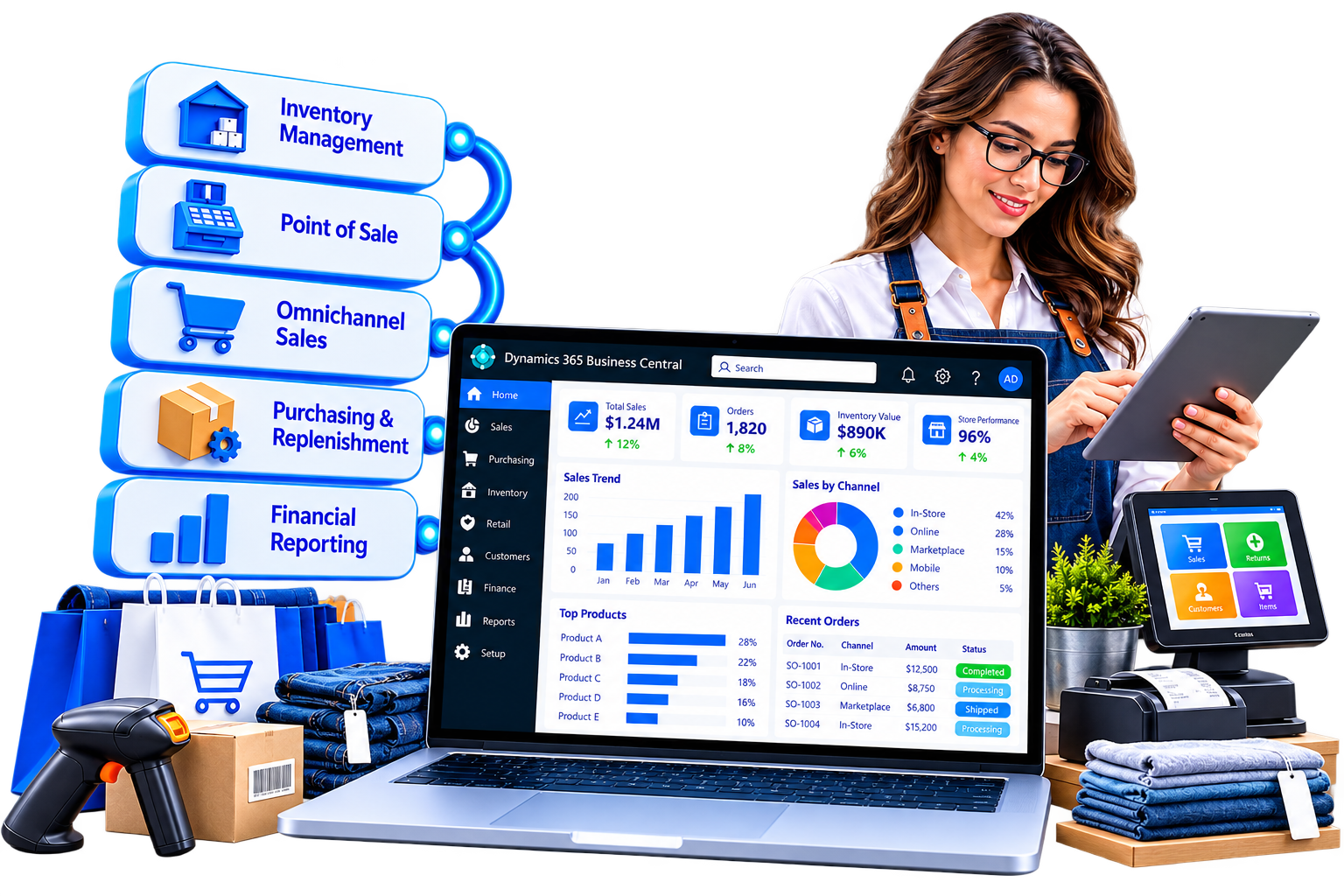
Retailers need reliable stock information, efficient replenishment, accurate sales records and clear visibility into business performance. Microsoft Dynamics 365 Business Central provides core ERP capabilities for inventory, purchasing, sales and financial management, with integrations connecting it to retail sales channels.
Sarakadiya helps retailers optimize Business Central as their ERP foundation and connect it with the applications that support their store and online operations.
Use inventory availability, demand information and replenishment planning to support purchasing decisions and stock levels across configured locations.
Connect supplier purchasing, goods receipts, vendor invoices and inventory records to improve purchasing visibility and financial control.
Track items across locations and warehouses, with item variants for products such as different sizes, colors or configurations. Configure location-specific stockkeeping units and replenishment parameters where required.
Integrate Business Central with eCommerce and POS platforms to exchange relevant product, pricing, inventory, order and sales information. The integration determines how data is synchronized and which system manages each transaction.
Connect sales orders, inventory, shipments, sales returns and credit processing through suitable Business Central workflows and integrated retail applications. Store-level exchanges and POS-specific return processes may require retail-system functionality.
Use financial records and dimensions to analyze revenue, costs and profitability by relevant business categories. Store- and channel-level reporting depends on how transactions are recorded and classified.
Use Business Central data and Power BI to review sales trends, inventory levels, product performance and financial results. Metrics such as stock turns and channel profitability require appropriate definitions and reporting.
Identify opportunities to improve configuration, extensions, integrations, reporting and automation as your retail business grows.
Your ERP may contain years of product records, pricing rules, inventory history, supplier data, integrations and customized business logic. Modernization does not necessarily mean replacing everything.
It means understanding what works, identifying technical and operational limitations, and defining a practical path toward a more maintainable Business Central environment.
Sarakadiya assesses your Dynamics NAV or Business Central setup to identify what should be retained, improved, replaced or integrated—while considering the impact on stores, online operations, inventory and finance.

Assess your current NAV version, deployment model, customizations, data and integrations to identify a suitable migration or reimplementation path. Microsoft's supported options depend on the source environment and target platform.

Plan and execute version upgrades with appropriate checks for extensions, customizations, integrations, data and business-process compatibility. The upgrade route depends on your existing version and deployment model.
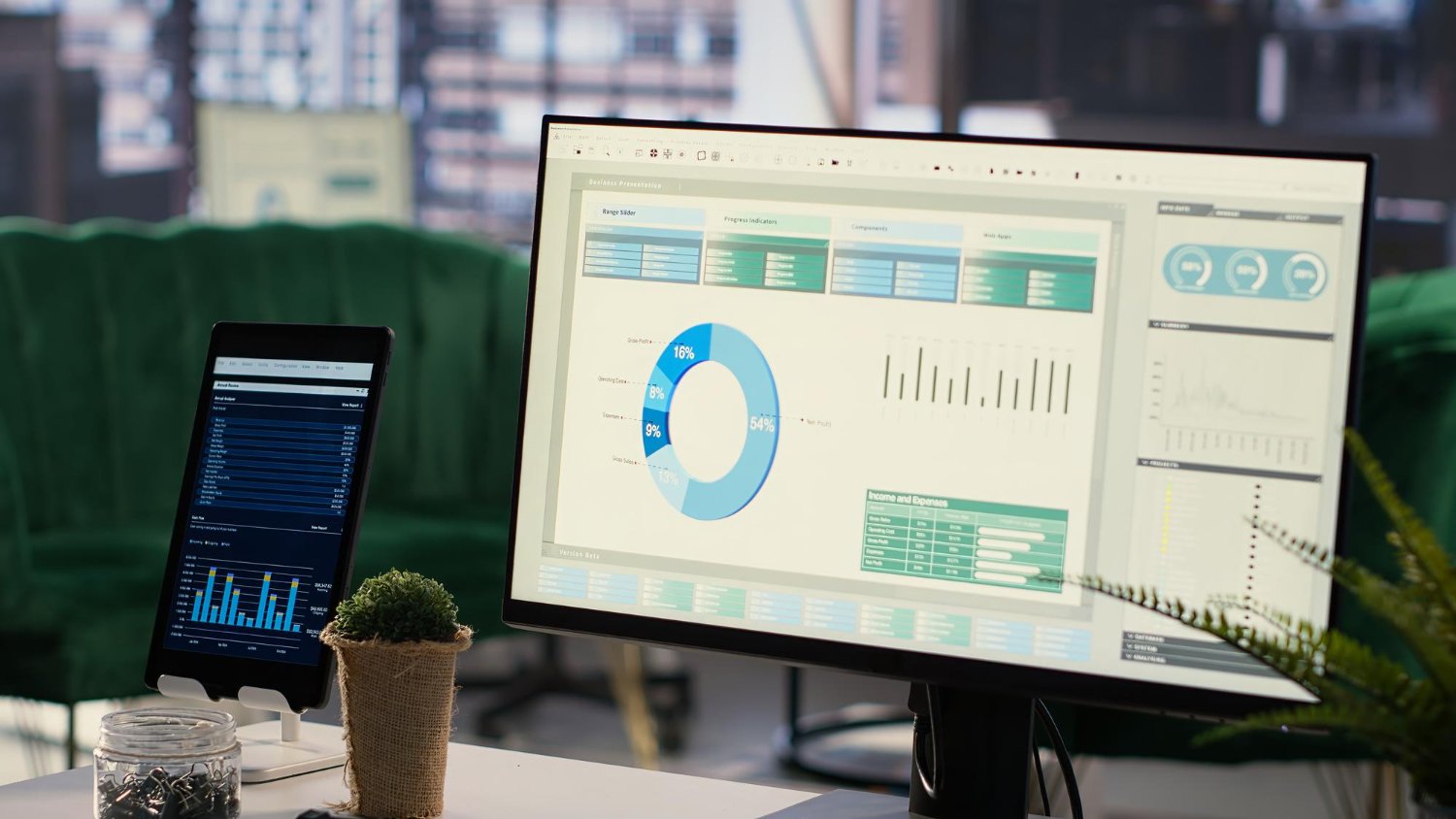
Review legacy customizations and identify opportunities to adopt standard functionality, simplify code or develop maintainable AL extensions. For NAV-to-Business Central Online migration paths, legacy C/AL customizations must be converted to AL extensions or appropriately reimplemented.

Review system configuration, inventory setup, sales processes, extensions, integrations, performance and technical risks. Where relevant, assess how product, pricing, order and stock data moves between Business Central and connected retail applications.

Investigate performance concerns affecting order processing, posting, inventory updates, integrations and reporting. Recommendations may include configuration improvements, extension reviews or technical remediation.
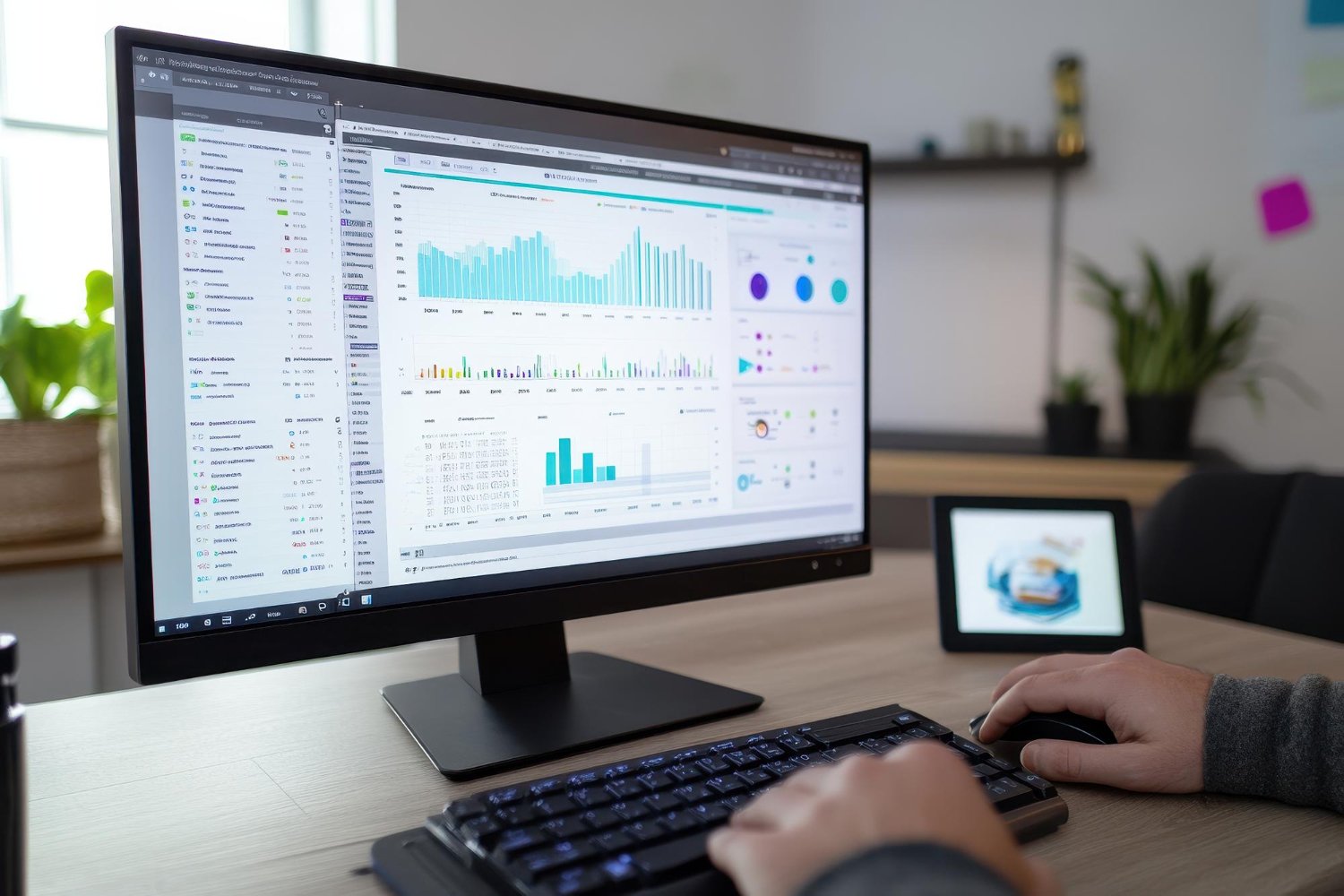
Assess integration options for eCommerce platforms, POS systems, marketplaces, payment providers, shipping applications and customer-management tools. The integration design depends on available APIs, transaction volumes, data requirements and the role of each application.
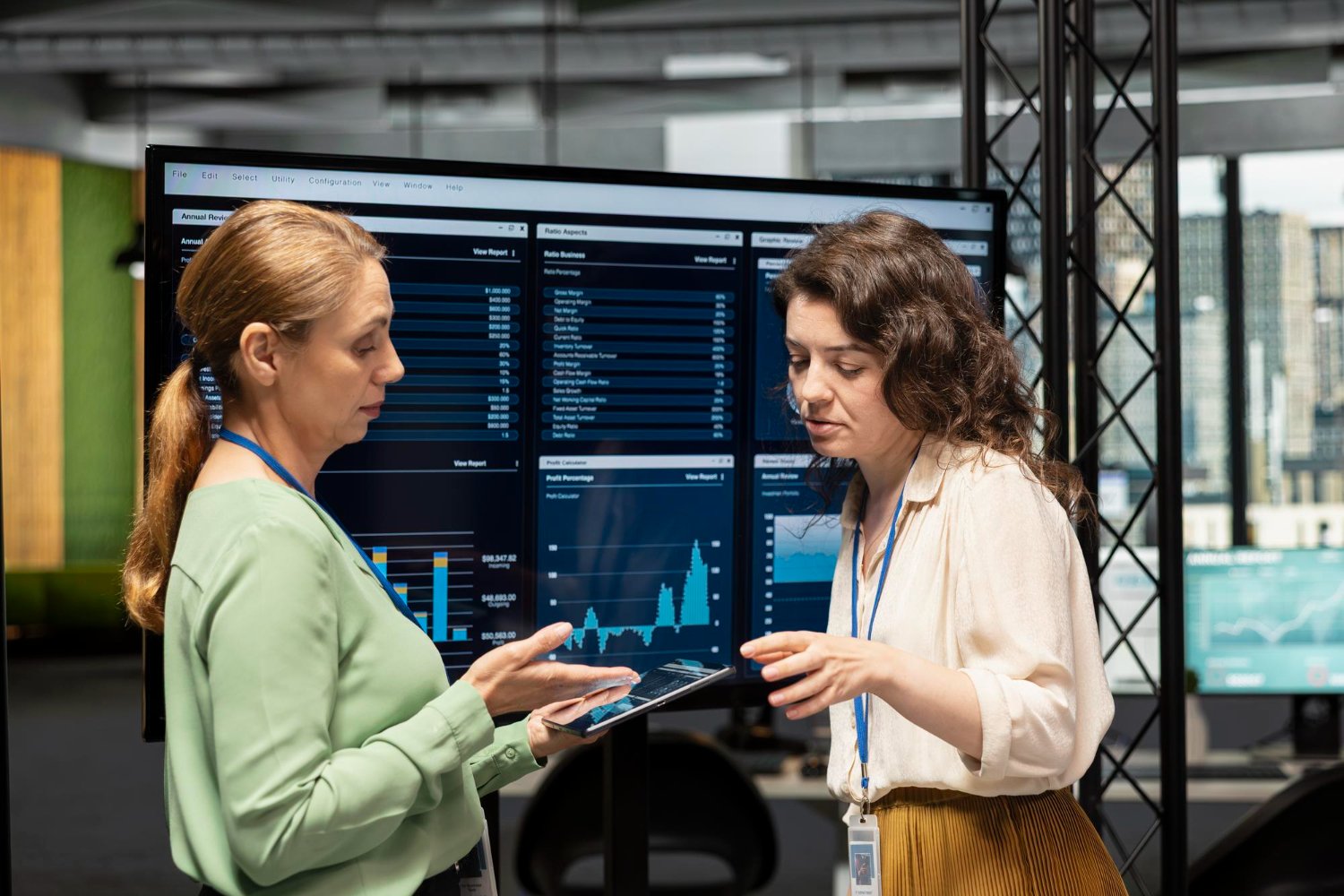
Identify repetitive activities such as order handling, approvals, payment reconciliation and reporting. Evaluate suitable Power Platform workflows and applicable Copilot capabilities based on licensing, product availability, data readiness and business requirements.
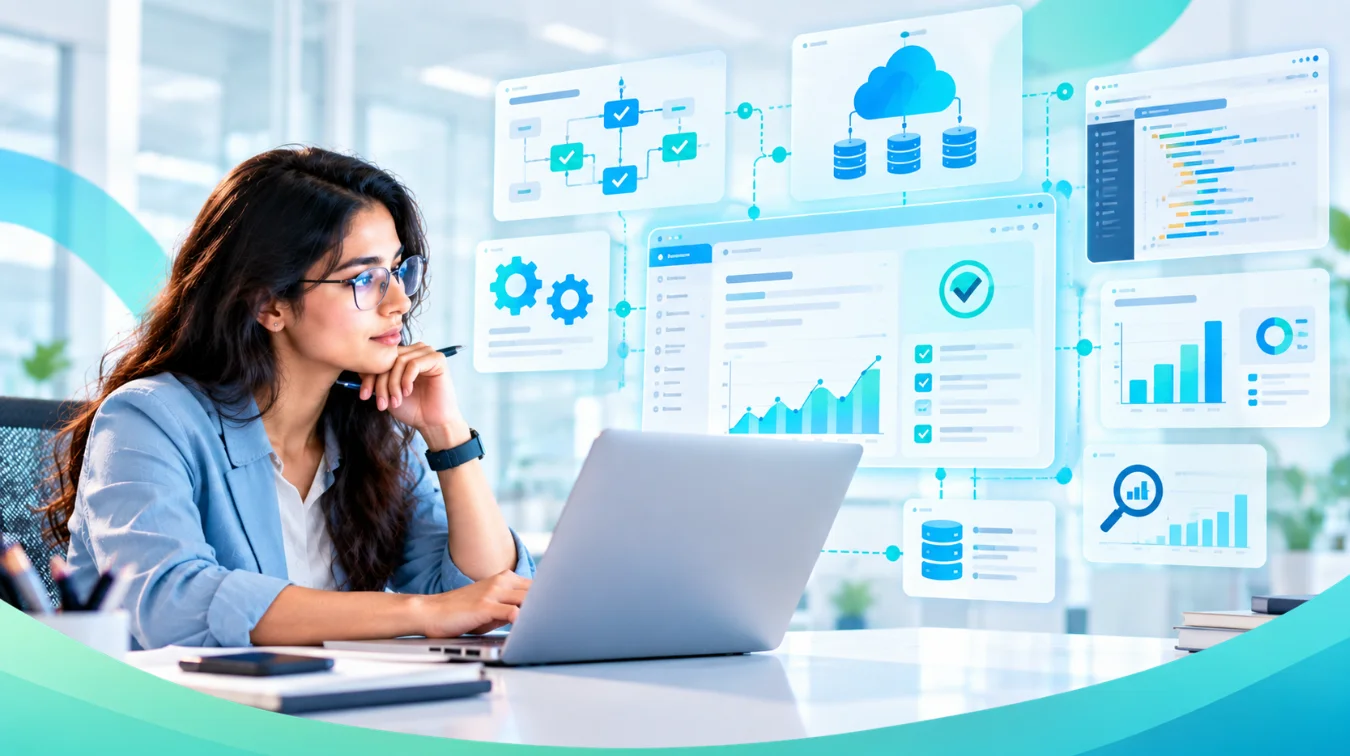
Older Dynamics NAV environments or outdated Business Central configurations can make it harder to introduce new sales channels and improve operations. We assess your current environment and recommend a practical modernization roadmap.
Custom pricing, order processing and inventory logic can become difficult to maintain. We help determine which customizations should be retained, simplified, replaced or rebuilt.
Stores, online shops, marketplaces and finance systems may maintain separate records. We assess integration opportunities to improve data exchange and reduce duplicate entry.
Overselling, stockouts and inconsistent inventory records can affect customer experience and revenue. We help improve inventory configuration and connect stock data with the applications that depend on it. Accurate cross-channel availability also depends on synchronization frequency and transaction handling.
Manually re-entering orders, reconciling payments and consolidating sales reports can consume time and introduce errors. We identify opportunities for integration and workflow automation.
Sales totals alone may not reveal which products, stores or channels are profitable. We help structure transaction data and reporting to analyze performance by relevant dimensions, subject to data availability and reporting requirements.
More locations, products, suppliers and sales channels increase the demands on inventory planning and reporting. We help align Business Central with evolving operational requirements.
Manage inventory across configured store and warehouse locations, record transfers and support location-based purchasing and reporting. POS transactions and store operations generally require an integrated retail application.
Connect online product, order and inventory processes with Business Central through a suitable connector or integration. Business Central offers a Shopify connector; other platforms may require third-party connectors or custom integration.
Connect store, online and marketplace operations through an integrated application landscape. Unified inventory, customer profiles, order routing, loyalty and cross-channel returns depend on the capabilities of the connected retail systems and how they are integrated.
Manage product catalogs, item variants, purchasing and inventory for products with different sizes, colors or configurations. Specialized requirements such as complex assortment planning, loyalty programs or advanced promotions may need additional retail applications.
Use Business Central to manage relevant purchasing, sales, inventory and financial processes for trade and consumer transactions. Where retail POS or B2C eCommerce capabilities are required, connect
Business Central can serve as the ERP foundation for retail operations. Microsoft technologies, extensions and connected applications can provide additional capabilities for store operations and customer-facing channels.

Use Power Apps and Power Automate for suitable approvals, internal store workflows, task management and data collection. Retail-specific applications may require custom development or integration with the POS or store-management platform.

Build reports to analyze sales, product performance, inventory, purchasing and financial results. Store comparisons, channel attribution and profitability reporting depend on consistent transaction classification and accessible data.
Evaluate applicable Copilot capabilities and other Microsoft AI options to support productivity, information access and selected workflows. Availability and suitability depend on the product, licensing, region, release and data readiness.

Use AL extensions to address requirements beyond standard Business Central functionality, including specialized validations, additional workflows or integration-related business logic.

Integrate Business Central with eCommerce, POS, marketplaces, payment gateways, shipping systems and other business applications. Define clear responsibilities for product, pricing, inventory, order and payment data to avoid synchronization conflicts.

Whether you are running Dynamics NAV, an older Business Central version or an ERP environment that needs performance improvements, Sarakadiya starts by assessing your current systems, business processes and priorities.
We then recommend a practical path based on your ERP version, deployment model, customizations, extensions, integrations and data requirements.
For NAV environments, the migration route depends on the source version and Microsoft’s supported options. Legacy C/AL customizations may need conversion to AL extensions, while some functionality may be replaced with standard capabilities or reimplemented.
The goal is to create a maintainable ERP foundation that supports accurate inventory, connected sales operations and informed retail decisions as your business grows.
We focus on Business Central migration, upgrades, application modernization, extensions and optimization to help retailers improve their ERP environment.
We assess Dynamics NAV and existing Business Central environments to identify technical dependencies and recommend an appropriate modernization approach.
We consider the relationship between inventory, purchasing, sales channels, fulfillment and finance when planning ERP improvements.
We help assess legacy code, integration requirements, automation opportunities, reporting needs and performance issues.
We evaluate how Power Platform, Power BI, applicable Copilot capabilities and other Microsoft technologies can complement Business Central.
Modernization continues beyond migration or upgrade. We help identify ongoing improvement opportunities through health checks, technical reviews, integration assessments and performance optimization.
Planning a Dynamics NAV migration, a Business Central upgrade or a health check of your existing retail ERP?
Sarakadiya can assess your current environment, identify improvement opportunities and define a practical roadmap toward a more connected and maintainable Business Central system.


Explore how organizations worldwide transformed operations, streamlined finance and accelerated growth with Sarakadiya's Microsoft expertise.
Seamlessly Upgrading an MSP from Business Central 15 On-Premises to Business Central 25 Cloud
Microsoft Dynamics 365 Business Central is an ERP solution that helps retailers manage inventory, purchasing, sales and finance. POS, eCommerce and marketplace operations typically require connected retail applications, connectors or extensions.
Yes. Sarakadiya can assess your NAV version, deployment model, customizations, integrations and data to recommend a suitable migration or reimplementation approach. The available path depends on Microsoft’s supported options for your environment.
Yes. We can review your current version, extensions, customizations, integrations and operational requirements to plan an appropriate upgrade and testing process.
A health check can cover configuration, inventory and sales processes, extensions, integrations, performance, data quality and technical risks. The final scope depends on your environment and business priorities.
Yes. Business Central can integrate with eCommerce and POS applications through supported connectors, APIs, extensions or custom development. The integration approach depends on the platform, required data flows and transaction processes.
Business Central provides ERP functionality but is not, by itself, a full retail POS solution. Retailers generally connect a suitable POS or retail commerce platform for checkout, store transactions, hardware and other point-of-sale requirements.
Business Central supports inventory by location, item variants, availability checks and transfers between locations. Store-level sales and real-time cross-channel stock availability depend on the configuration and integration of the retail systems involved.
Yes. Business Central data can be used in Power BI reports and dashboards to analyze sales, inventory, purchasing and financial performance. Channel and store reporting depends on how transactions are recorded and integrated.
We’re excited to be part of Directions EMEA 2026 in Paris, connecting with Microsoft Dynamics 365 Business Central partners, technology leaders, and industry experts.