

Home / Power Platform / Power Automate
Turn repetitive tasks, manual workflows, approvals, and disconnected business processes into connected, automated workflows with Microsoft Power Automate.
At Sarakadiya, we design, implement, integrate, optimize, and govern Power Automate solutions that connect Dynamics 365, Business Central, Power Apps, Dataverse, Microsoft 365, Power BI, third-party applications, and business processes.
From cloud-based workflow automation to desktop RPA, we help organizations automate work across systems while building solutions that are secure, maintainable, and scalable.
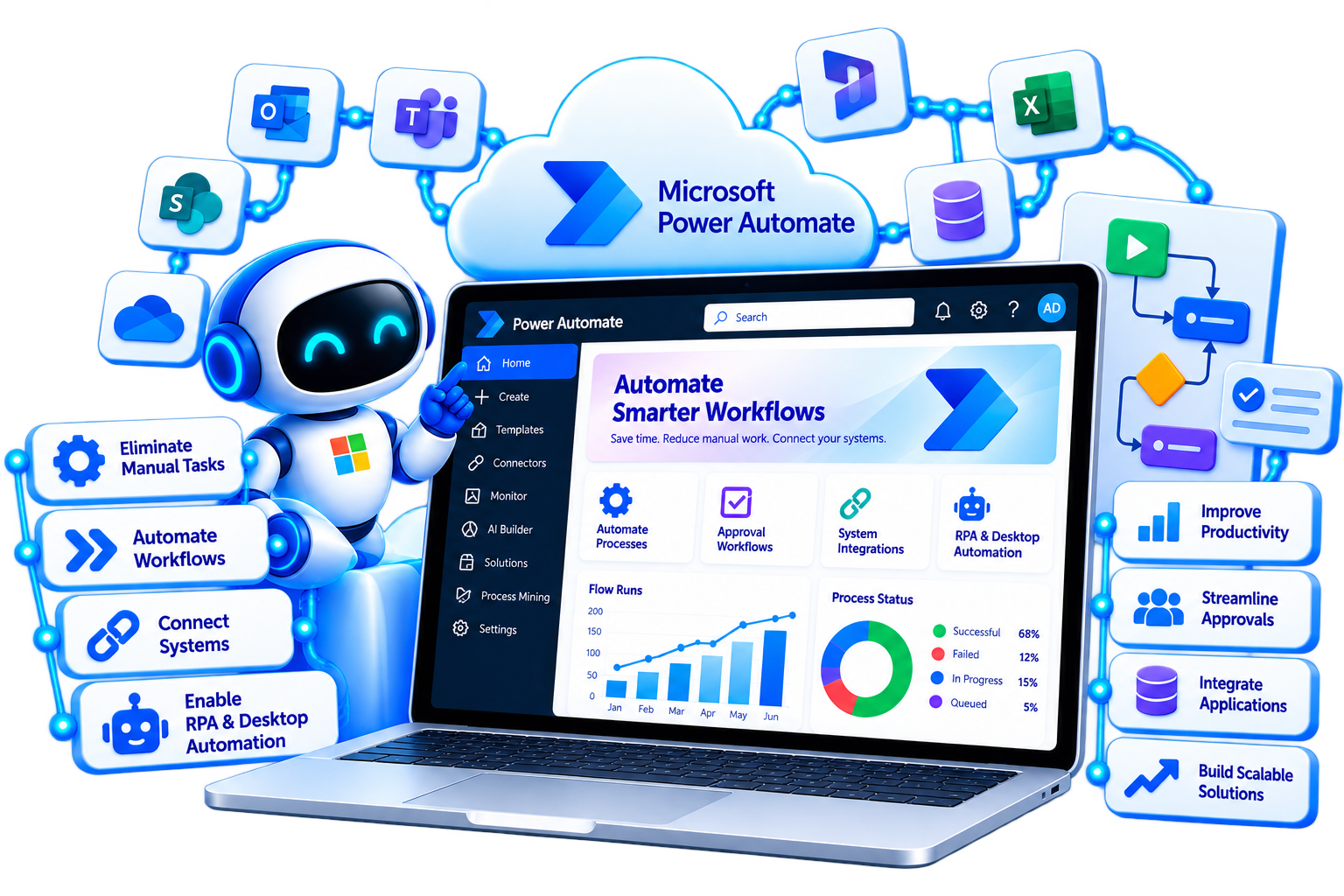

Many organizations still depend on email, spreadsheets, manual data entry, repetitive system updates, and approval chains to move work through the business.
These processes can consume employee time, introduce errors, create delays, and make it difficult to maintain consistent business processes.
Sarakadiya helps organizations identify repetitive and rules-based activities that can be automated using Power Automate cloud flows, desktop flows, approvals, connectors, and broader Power Platform capabilities.
Sarakadiya assesses your workflows, applications, data, users, business rules, exceptions, and integration requirements before determining the right automation approach.
Depending on the scenario, the solution may involve cloud flows, desktop flows, Power Apps, Dataverse, Power BI, Dynamics 365, Business Central, APIs, connectors, or a combination of Microsoft technologies.
Identify high-value automation opportunities and establish a structured Power Automate roadmap.
Scale automation across departments, applications, processes, and business functions.
Automate processes around finance, sales, purchasing, customers, vendors, approvals, notifications, and operational workflows.
Replace spreadsheet-driven, email-driven, and repetitive manual processes with automated digital workflows.
Use desktop RPA where existing applications or processes require UI-based automation, while assessing API or connector-based approaches where appropriate.
Power Automate supports different automation approaches depending on the trigger, process, systems involved, and level of human interaction required.
Sarakadiya helps organizations select the right automation architecture rather than treating every process as the same type of workflow.

Automate processes across cloud applications and services using event-based, manually triggered, or scheduled workflows.
Microsoft documents three common cloud-flow trigger patterns: automated, instant, and scheduled. Cloud flows can perform actions across connected services and applications.

Automate repetitive tasks across Windows desktop applications and websites where UI-based interaction is required.
Power Automate desktop flows can automate desktop and web tasks and can also be triggered from cloud flows for broader orchestration.

Automate approval processes across documents, records, requests, expenses, purchases, and other business processes.
Power Automate provides approval actions that can be incorporated into cloud flows, including workflows that wait for approval before continuing.

Guide users through defined stages and steps in a business process.
Business process flows are designed to help users follow consistent stages and steps toward a defined outcome. They are particularly relevant for processes where users need structured guidance rather than purely background automation.

Connect business applications with workflow automation.
A Power Apps application can capture information or initiate an action, while Power Automate handles approvals, notifications, integrations, record updates, and downstream processing.

Automate processes around Microsoft business applications.
Sarakadiya can help automate business processes involving Dynamics 365 and Business Central, subject to the capabilities of the relevant connectors, APIs, licensing, and solution architecture.

Connect analytics with action.
Power Automate can be used alongside Power BI for scenarios where an analytical condition or user action needs to initiate an operational workflow, subject to the specific Power BI and Power Automate capabilities involved.
Sarakadiya helps identify the right automation opportunities and design Power Automate solutions around your existing systems, business rules, users, and operational requirements.
Automation is not simply about adding more flows.
Poorly designed automation can create duplicate processes, difficult-to-maintain flows, unmanaged dependencies, security risks, and operational problems.
At Sarakadiya, we approach automation as a business-process and technology architecture exercise.
We evaluate process logic, triggers, data, integrations, exceptions, security, licensing considerations, governance, and lifecycle management before implementing automation.
We start by understanding the process, people, systems, business rules, and desired outcome.
Design event-driven, instant, and scheduled cloud flows across Microsoft and supported third-party services.
Automate suitable desktop and web-based processes where UI automation is required.
Connect automation with Business Central, Dynamics 365, Power Apps, Dataverse, Power BI, Microsoft 365, and other Microsoft technologies.
Use standard connectors, custom connectors, APIs, and appropriate integration patterns based on the process and system requirements.
Design automation within an appropriate Power Platform governance framework, including environment, connector, data, and access considerations.
Use solution-aware flows, connection references, environment variables, and appropriate deployment practices to support movement across development, test, and production environments.
Microsoft documents solution-aware cloud flows as portable components that can be moved between environments, with connection references and other solution components supporting deployment scenarios.
Support automation after deployment through monitoring, troubleshooting, optimization, enhancements, and governance.
From one high-value workflow to an enterprise-wide automation program, Sarakadiya helps organizations automate processes while maintaining control, security, and scalability.

Identify automation opportunities and define a practical roadmap aligned with business priorities.

Build automated workflows that connect applications, data, users, and business processes.

Automate repetitive desktop and web tasks where UI-based automation is appropriate.
Power Automate desktop flows can automate tasks across desktop and web environments and can be invoked from cloud flows for orchestration.

Digitize approval processes and create structured routing, decision-making, and notifications.
Power Automate supports approval workflows using approval actions within cloud flows.

Automate end-to-end processes that span people, applications, data, and business systems.

Automate processes around Microsoft Dynamics 365 Business Central.

Connect automation with Dynamics 365 business processes.

Connect Power Automate with Microsoft and third-party applications.
Connectors provide prebuilt actions and triggers for communicating with connected services, while custom connectors can be used for appropriate external APIs and services.

Connect applications with workflows and automated business processes.

Establish controls that support secure and scalable automation.
Power Platform provides governance controls including data loss prevention policies that can restrict how connectors and actions are combined.

Establish controlled processes for developing, testing, and deploying automation.
Solution-aware flows are designed to support portability across Power Platform environments and can include dependencies such as connection references.

Improve existing automation and provide ongoing operational support.

Explore supported AI capabilities where they provide measurable value within the automation architecture.
Microsoft’s current Power Automate roadmap includes Copilot-assisted cloud-flow experiences and AI Builder capabilities, while feature availability and release status can vary.
Sarakadiya helps organizations use Power Automate across workflow automation, RPA, approvals, integrations, business processes, governance, and intelligent automation.

Automate processes triggered by events, user actions, or schedules.

Automate repetitive tasks across supported desktop and web environments.

Keep people involved where decisions or approvals are required.

Guide users through defined stages and steps for structured business processes.
Business process flows are specifically designed to guide users through a defined process and should not be treated as interchangeable with background cloud-flow automation.

Connect workflows across business applications and services.

Automate the movement and processing of business information.

Coordinate activities across people, applications, systems, and automated processes.

Establish controls for secure and scalable automation.

Manage automation across development, testing, deployment, and production.

Use supported AI capabilities to enhance automation where appropriate.
Every industry has repetitive processes, approvals, notifications, data-entry activities, and operational workflows that can benefit from automation.
Sarakadiya helps organizations identify and automate processes based on their industry, applications, business rules, and operational requirements.

Automate production, procurement, quality, inventory, maintenance, and approval processes.

Automate store operations, inventory processes, customer workflows, approvals, and notifications.

Automate donor, volunteer, program, approval, and administrative processes.

Connect purchasing, inventory, warehouse, sales, and delivery processes.

Automate procurement, production, quality, inventory, and operational processes.

Automate property, tenant, maintenance, leasing, document, and approval processes.

Automate project, resource, timesheet, expense, client, and approval workflows.

Automate purchasing, sales support, inventory, customer, and operational processes.
Automate project, service, employee, customer, and internal operational processes.

Automate project approvals, site processes, documentation, procurement, and field workflows.

Automate service requests, technician workflows, job updates, inventory, and customer communications.

Automate administrative, operational, approval, notification, and internal service processes.

Automate operational, procurement, inventory, reporting, and administrative workflows.
Power Automate is designed to connect applications, services, people, and processes.
Sarakadiya helps organizations design automation architectures that connect Microsoft applications, business systems, databases, APIs, and third-party platforms using appropriate connectors and integration approaches.
Automate finance, purchasing, sales, vendor, customer, inventory, and operational processes.
Connect sales, customer service, finance, operations, and customer workflows.
Trigger workflows from applications and use automation to process data, approvals, notifications, and business actions.
Automate record-based processes and connect business applications built around Dataverse.
Connect selected analytical events and business conditions with downstream actions and workflows.
Automate processes across supported Microsoft 365 services including Outlook, SharePoint, Teams, OneDrive, Excel, and other services.
Connect workflows with supported database systems for data retrieval, updates, synchronization, and business processing.
Connect external applications and services through APIs and custom connectors where appropriate.
Integrate CRM, ERP, HR, finance, eCommerce, service, logistics, document, and other business applications based on available connectors and integration mechanisms.


















Seamlessly Upgrading an MSP from Business Central 15 On-Premises to Business Central 25 Cloud
Sarakadiya provides Power Automate strategy, cloud flow development, desktop RPA, approvals, business process automation, integrations, Business Central and Dynamics 365 automation, governance, ALM, optimization, and ongoing support.
Cloud flows automate processes across applications and services. They can be triggered automatically by an event, manually by a user, or according to a schedule.
Desktop flows provide robotic process automation capabilities for automating tasks across desktop and web environments. They can also be invoked from cloud flows for broader process orchestration.
Yes. Power Automate provides approval actions that can be incorporated into workflows for processes such as invoices, expenses, documents, purchases, and internal requests.
Yes. Power Automate can be used with Business Central through supported connectors and integration mechanisms. The appropriate architecture depends on the specific business process, data requirements, licensing, and integration scenario.
Yes. Power Automate integrates with supported Dynamics 365 applications and can automate workflows involving records, notifications, approvals, tasks, and other business processes.
Yes. Power Apps and Power Automate are designed to work together. An application can initiate a flow while Power Automate performs downstream workflow, approval, notification, integration, or data-processing activities.
Yes, where the scenario is suitable for desktop RPA. Desktop flows can automate supported desktop and web interactions where APIs or direct integrations are unavailable or impractical. The appropriate approach should be assessed based on reliability, security, maintainability, and the application’s capabilities.
Power Automate is the broader automation platform. Cloud flows automate processes across cloud services and applications, while desktop flows provide RPA capabilities for desktop and web tasks. Both can be combined in broader automation architectures.
Business process flows provide users with a structured sequence of stages and steps to help them follow a defined business process. They are particularly useful when users need guidance through a process rather than purely background automation.
Yes. Power Automate provides many connectors and also supports custom connectors for appropriate external services and APIs. The exact integration method depends on the application and its available interfaces.
Yes. Solution-aware flows can be packaged in Power Platform solutions and moved between environments. Connection references and other solution components can support deployment and environment-specific configuration.
Yes. Sarakadiya can help establish environment strategy, connector governance, DLP policies, access controls, ownership standards, deployment practices, and broader Power Platform governance.
Microsoft provides AI-assisted capabilities in Power Automate, including Copilot-assisted flow creation and AI Builder scenarios. Capabilities and availability can vary by feature, licensing, environment, region, and release status.
The timeline depends on the number and complexity of processes, systems, integrations, approvals, exception scenarios, RPA requirements, security requirements, and testing needs. Sarakadiya defines the implementation roadmap after assessing the automation requirements.
Sarakadiya combines Power Automate expertise with Dynamics 365, Business Central, Power Apps, Power BI, Dataverse, Microsoft 365, ERP, and business-process expertise. This enables us to design automation as part of your broader business application and Microsoft ecosystem rather than as isolated workflows.
Whether you want to automate approvals, connect Business Central, streamline Dynamics 365 processes, replace manual spreadsheet workflows, implement RPA, or establish an enterprise automation strategy, Sarakadiya can help.
Our Power Automate experts can assess your processes, systems, data, integrations, automation opportunities, security requirements, and long-term roadmap to identify the right automation approach.

We’re excited to be part of Directions EMEA 2026 in Paris, connecting with Microsoft Dynamics 365 Business Central partners, technology leaders, and industry experts.








