
Home / Technology
Technology companies grow through new products, services, markets and revenue models. As operations expand, disconnected financial systems, project data, billing processes and business applications can make it harder to maintain visibility and control.
Sarakadiya helps technology companies modernize, optimize and extend Microsoft Dynamics 365 Business Central to connect financial management, project accounting, purchasing, inventory and reporting.
Whether you’re moving from Dynamics NAV, upgrading Business Central, modernizing legacy applications or integrating your ERP with CRM and other business platforms, we help you define a practical path toward a more scalable business environment.
Technology companies need clear financial information, visibility into project costs and a reliable view of business performance as they scale.
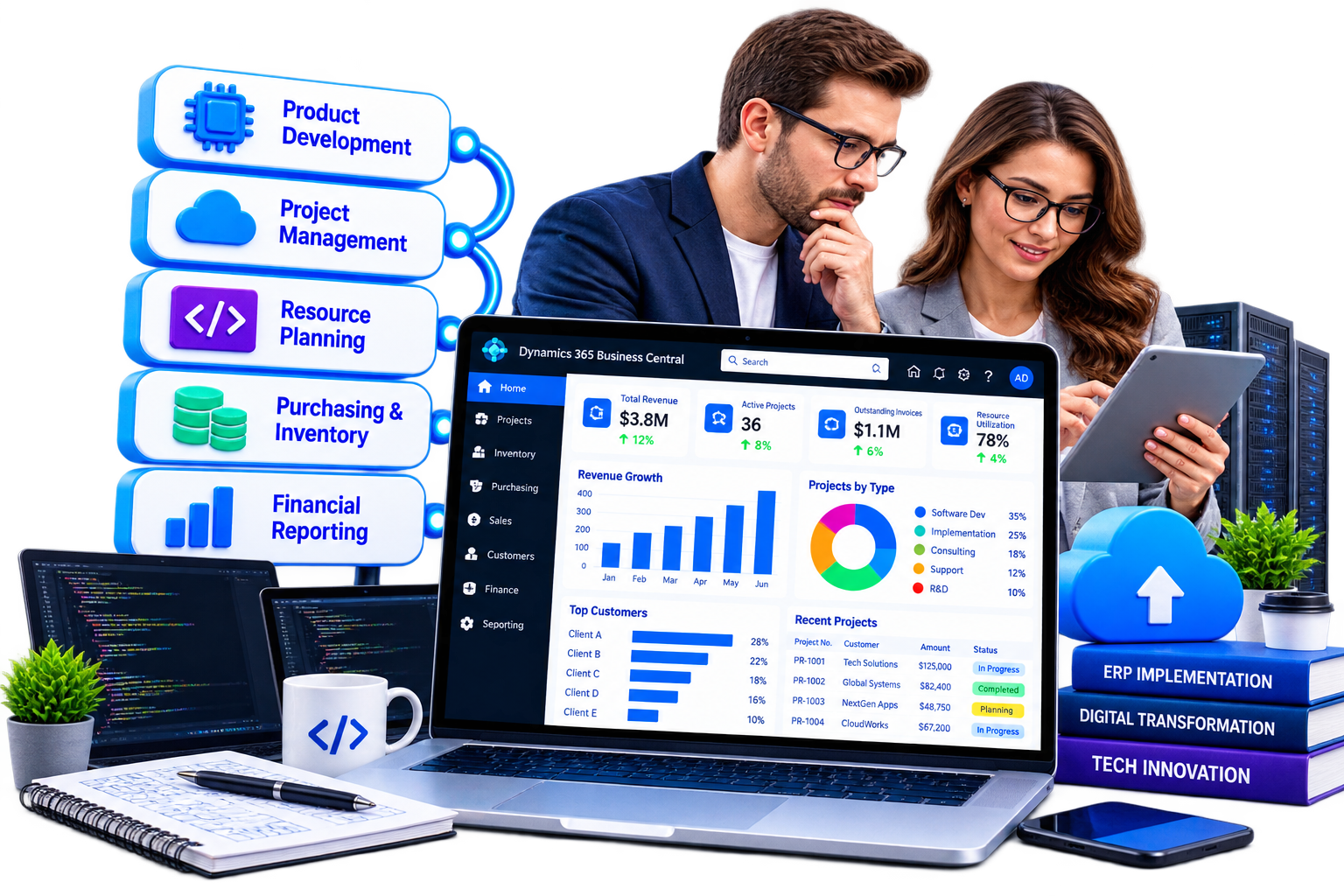
Microsoft Dynamics 365 Business Central supports financial management, project accounting, resource planning, purchasing, inventory and recurring invoicing options. Additional extensions and integrations can address more specialized subscription, billing and operational requirements.
Sarakadiya helps technology companies align these capabilities with their business processes.
Align budgets, resources, project requirements and financial planning with business priorities.
Manage project tasks, budgets, resource usage, costs and billing through Business Central's project management capabilities.
Support project-based invoicing and recurring invoicing scenarios. Complex SaaS subscriptions, usage-based billing, metered pricing and advanced revenue schedules may require suitable extensions or specialist billing platforms.
Track hardware, devices, components and spare parts for technology businesses that purchase, store or sell physical products.
Connect purchasing, vendor transactions, expenses and financial records to support better cost control.
Manage financial transactions, currencies and reporting across appropriately configured companies and business entities.
Connect Business Central data with Power BI to analyze financial performance, project costs, margins and other relevant KPIs. Revenue and resource-utilization reporting depends on the underlying data and reporting design.
Identify opportunities to improve business processes through configuration, extensions, integrations, automation and applicable AI capabilities.
Your ERP may hold years of financial transactions, customer records, project data, billing history, customizations and integrations.
Modernization doesn’t necessarily mean starting over. It means understanding your current environment, identifying what creates value and defining a practical path toward a more maintainable Business Central platform.

Modernize legacy Microsoft Dynamics NAV environments through an appropriate migration or reimplementation approach based on the starting version, deployment model, customizations, data and business requirements.

Plan and execute appropriate upgrades while assessing application compatibility, extensions, customizations, integrations and data requirements.

Modernize legacy customizations and development approaches into maintainable Business Central extensions. For NAV environments moving to Business Central Online, legacy C/AL customizations require an appropriate modernization path, typically involving AL extensions or reimplementation.
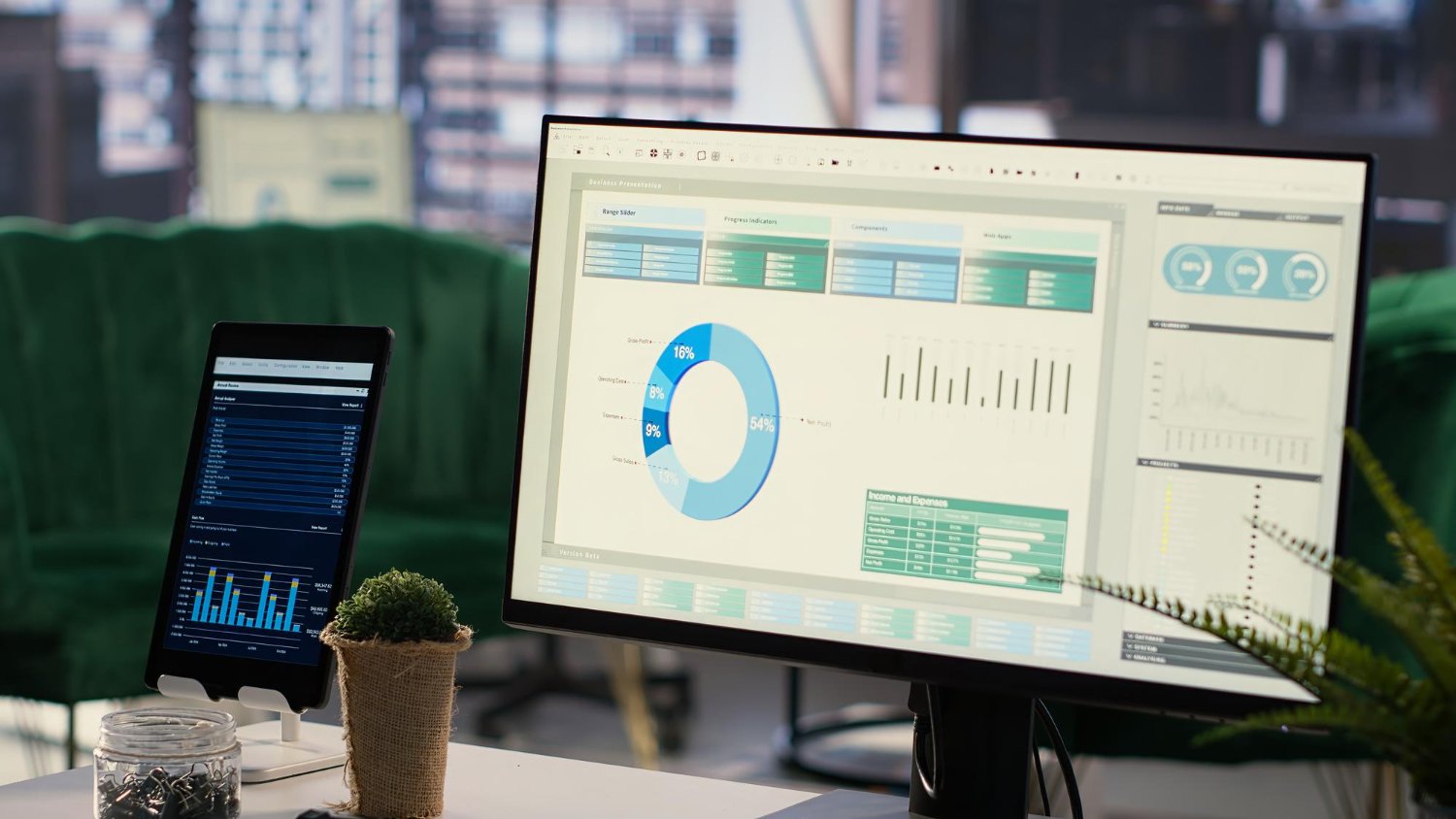
Assess your Business Central environment across configuration, application architecture, extensions, customizations, integrations, performance and technical risks.

Investigate potential bottlenecks affecting transaction posting, invoicing, integrations, reporting and other critical business processes.

Connect Business Central with CRM, payment platforms, project management tools, customer support systems and product platforms using appropriate connectors, APIs or custom integrations.
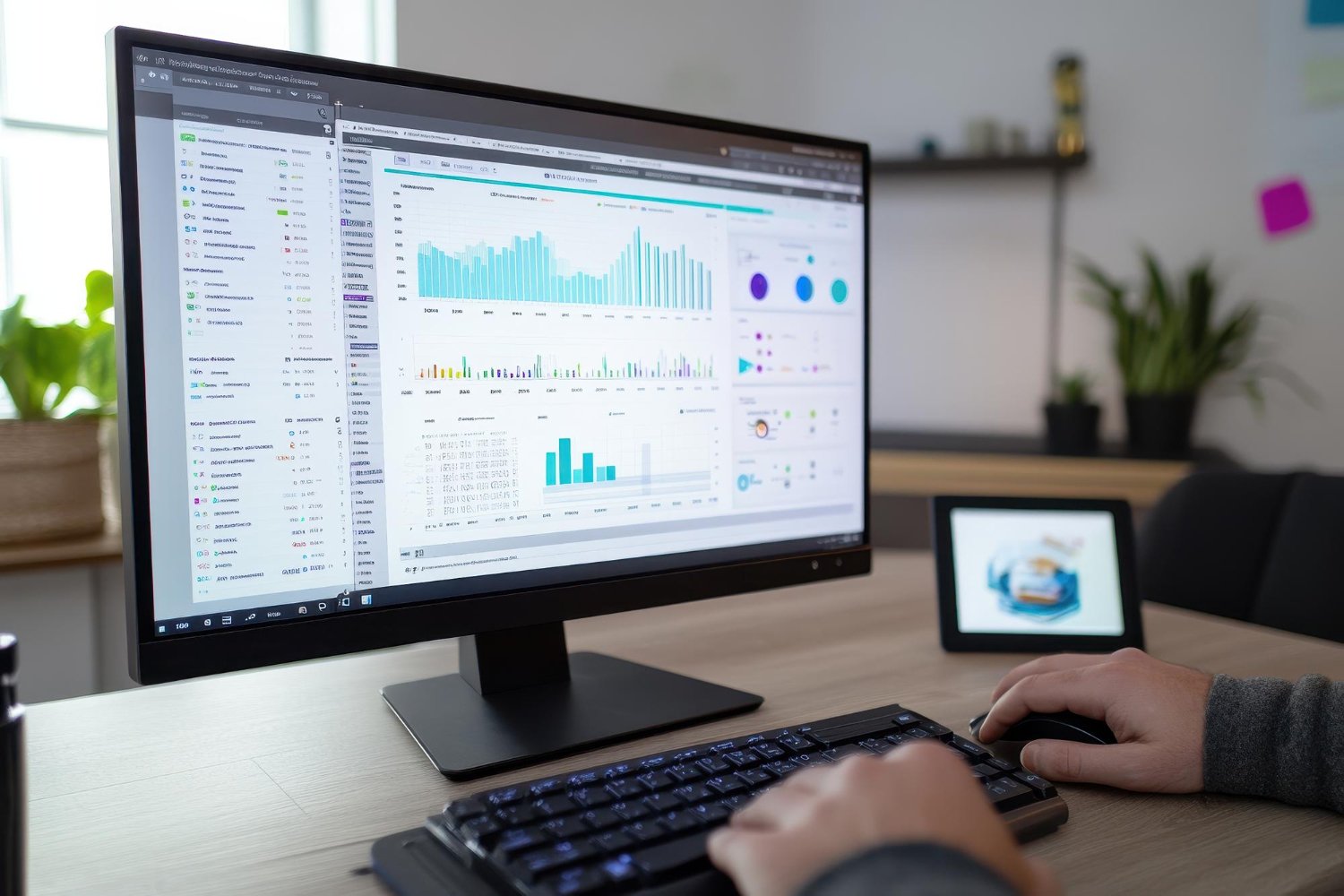
Identify repetitive processes and evaluate applicable Microsoft Power Platform, Copilot and AI capabilities to improve productivity and business workflows.

Older Dynamics NAV environments and legacy Microsoft ERP systems can make upgrades, integrations and modernization increasingly complex. Sarakadiya helps assess your current environment and define a practical path toward Business Central modernization.
Custom billing processes, reporting logic and legacy integrations can become difficult to maintain over time. We help identify what should be retained, modernized, replaced or retired.
CRM, project management, customer support, billing and finance platforms may operate independently, creating duplicate data and manual reconciliation. We help connect Business Central with the wider business application landscape.
Technology leaders need a clearer view of financial performance, project profitability and recurring revenue. We help connect available ERP and related application data with reporting and analytics, subject to the required data and integration design.
Manual invoicing, data entry and financial reconciliation can increase administrative effort and slow down reporting. We identify opportunities for workflow automation, integration and process improvement.
New entities, currencies, products, services and billing models can place increasing demands on existing systems. We help evolve your Business Central environment to support changing business and operational requirements.
Connect financial management, purchasing and reporting with recurring invoicing processes. Complex subscription lifecycle management, usage-based billing and specialized revenue recognition may require additional solutions.
Manage project budgets, resources, time usage, costs and project invoicing through Business Central’s project management capabilities.
Manage purchasing, inventory, sales orders and financial transactions for hardware, devices, components and related products.
Support financial management, recurring invoicing and contract-related processes. Service desk, ticketing, SLA management and advanced recurring service billing may require dedicated PSA, service management or billing integrations.
Manage financial operations across configured companies and currencies, with appropriate intercompany processes, consolidation and reporting arrangements.
Business Central can serve as the ERP foundation within a broader technology environment. Sarakadiya helps identify where Microsoft technologies, extensions and integrations can connect financial and operational processes with the applications your business relies on.

Use Power Apps and Power Automate to develop suitable business applications and automate workflows, approvals and repetitive tasks.

Connect Business Central data with Power BI to report on financial performance, project costs, margins and other relevant business KPIs.

Evaluate applicable Copilot and AI capabilities to support productivity, information access and business processes. Availability depends on the capability, environment and licensing.

Extend Business Central through AL-based applications to address requirements beyond standard functionality, including selected industry-specific processes.

Integrate Business Central with CRM, project management, payment, support, subscription billing and product platforms using suitable APIs, connectors or custom integration approaches.
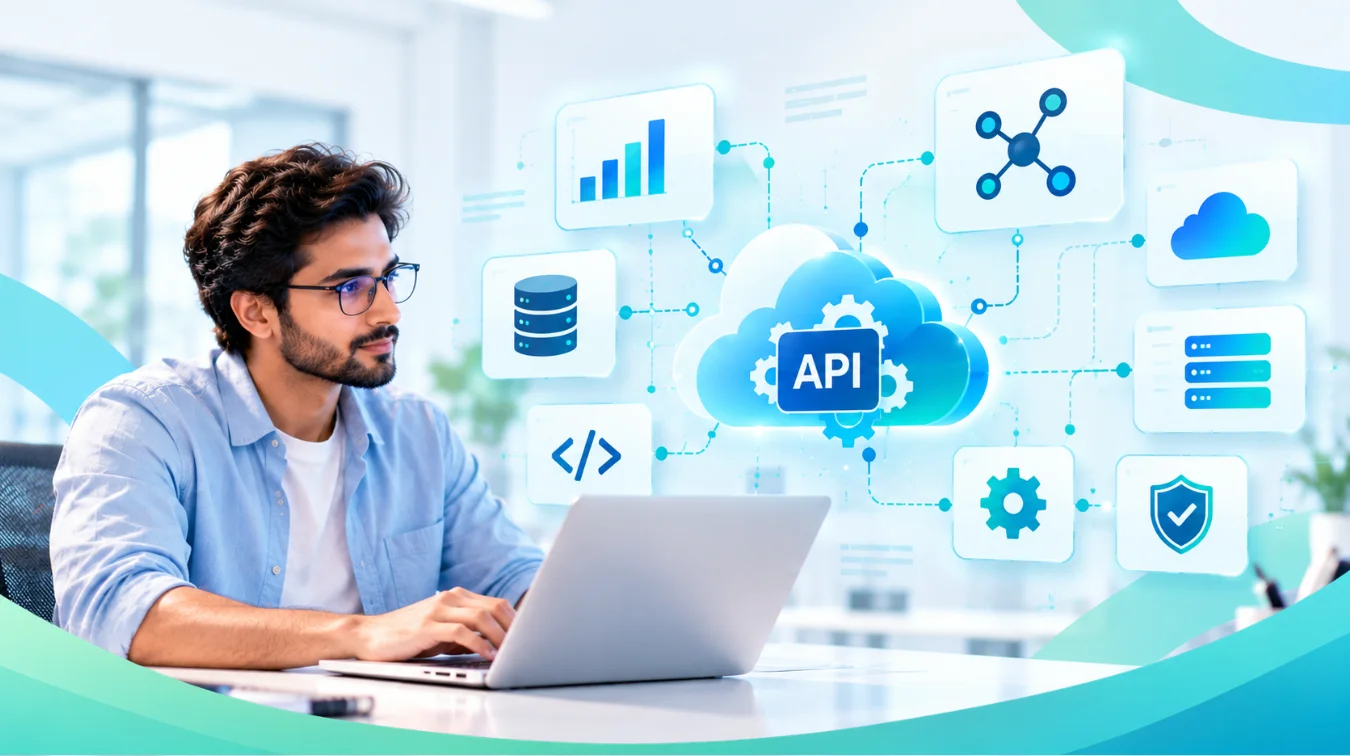
Whether you’re starting with Dynamics NAV, running an older Business Central version or looking to improve an existing environment, we assess your current state and help identify the appropriate next step.
The recommended approach depends on your ERP version, deployment model, customizations, data requirements, integrations and business priorities.
Business Central Expertise. Technology-Focused Modernization.
Sarakadiya helps technology companies get more value from Microsoft Dynamics 365 Business Central through structured modernization, technical assessment and integration planning.
Focused services across Business Central migration, upgrades, application modernization, extensions and optimization.
A structured approach to assessing Dynamics NAV and other legacy Microsoft ERP environments.
Business Central capabilities aligned with financial management, project accounting, purchasing, inventory and billing-related processes.
Support across application modernization, integrations, automation, analytics and performance optimization.
Extend Business Central through Microsoft technologies such as Power Platform, Power BI and applicable Copilot and AI capabilities.
Continue improving your ERP environment through ongoing assessment, optimization and modernization beyond migration or implementation.
Your technology business is evolving. Your ERP should evolve with it.
Whether you’re planning a Dynamics NAV migration, Business Central upgrade, application modernization or ERP health check, Sarakadiya can help you assess your current environment and define a practical path forward.


Explore how organizations worldwide transformed operations, streamlined finance and accelerated growth with Sarakadiya's Microsoft expertise.
Seamlessly Upgrading an MSP from Business Central 15 On-Premises to Business Central 25 Cloud
Microsoft Dynamics 365 Business Central is an ERP platform that supports financial management, project accounting, purchasing, inventory, sales and reporting. Technology companies can use it as their financial and operational foundation, with extensions and integrations for specialized business processes.
Yes. Sarakadiya can assess a legacy NAV environment and define an appropriate migration or reimplementation approach based on the starting version, deployment model, customizations, data and business requirements.
Yes. Sarakadiya can assess your current version, extensions, customizations, integrations and technical environment to help plan and execute an appropriate upgrade and modernization approach.
A Business Central Health Check can evaluate configuration, extensions, customizations, integrations, performance and technical considerations to identify potential risks and opportunities for improvement.
Business Central supports recurring invoicing through features such as recurring sales invoices, recurring project invoicing and service contracts. More advanced subscription lifecycle management, usage-based billing, proration and specialized revenue requirements depend on the available functionality, configuration, extensions and integrations.
Yes. Business Central supports project accounting, including project tasks, budgets, resource usage, costs and customer invoicing. Organizations requiring advanced professional services automation, resource scheduling or delivery management may need complementary tools.
Yes. Business Central data can be connected to Power BI for financial, project and operational reporting. The specific KPIs available depend on the data captured and the reporting model.
Yes. Business Central can integrate with other business applications through suitable connectors, APIs or custom integrations. The approach depends on the applications and the business processes being connected.
The approach depends on the customization and migration path. For Business Central Online, legacy C/AL customizations require an appropriate modernization path, typically conversion to AL extensions or reimplementation of the required functionality. Some functionality may be replaced or retired based on business requirements.
We’re excited to be part of Directions EMEA 2026 in Paris, connecting with Microsoft Dynamics 365 Business Central partners, technology leaders, and industry experts.