
Home / HVAC
Organize service orders, service items, resource allocation and service activities. For advanced technician dispatch, route optimization and mobile workforce management, integrate suitable field service solutions where required.
Use Business Central service management to maintain service contracts, track covered equipment and support service-order creation for scheduled maintenance, subject to appropriate configuration.
Use project management capabilities to plan project tasks, budget costs, track resource usage and monitor materials and expenses associated with HVAC installations.
Track HVAC equipment, components and spare parts across configured locations. Improve inventory planning and availability through purchasing, replenishment and inventory controls.
Connect purchasing and receiving processes with inventory and project requirements to support better control over supplier orders, material costs and stock availability.
Support service invoicing, project-related billing and financial posting through appropriate Business Central processes and configuration. Contract billing requirements may need additional setup or extensions.
Use Business Central financial reporting and Power BI to analyze revenue, costs, inventory movement and profitability. Service-level dashboards may require tailored reports and data integration.

Assess your current Dynamics NAV version, deployment model, database, customizations and integrations to determine an appropriate migration or reimplementation path. The available route depends on your starting environment and Microsoft's supported migration options.

Plan and execute version upgrades with appropriate checks for extensions, customizations, integrations, compatibility and testing. The upgrade approach depends on your current version and deployment model.

Review legacy customizations and identify opportunities to replace outdated code with maintainable extensions or standard functionality. For NAV-to-Business Central Online transitions, legacy C/AL customizations generally require conversion to AL extensions or reimplementation, depending on the functionality and migration path.

Review system configuration, service management setup, project costing, inventory processes, extensions, integrations, data quality and technical risks. The assessment helps prioritize improvements based on business impact.

Investigate performance issues affecting posting, reporting, integrations and daily ERP tasks. Recommendations may include configuration improvements, extension reviews, integration changes or technical remediation.

Assess integration options between Business Central and field service, dispatch, scheduling, GPS, payment, e-commerce or other operational systems. Integration scope depends on the applications, APIs, data requirements and business workflows.

Identify repetitive activities such as approvals, data entry, invoice preparation and operational reporting. Evaluate suitable Power Platform workflows and applicable Microsoft Copilot capabilities based on licensing, availability, data readiness and process requirements.

Older Dynamics NAV environments or outdated Business Central configurations can make enhancements difficult. We assess your environment and define a practical modernization roadmap.
Custom service workflows, pricing rules and reporting logic may be difficult to maintain over time. We help determine which customizations to retain, simplify, replace or rebuild.
Technicians, dispatchers, project managers and finance teams may work across separate applications. We assess integration opportunities to reduce duplicate data entry and improve information flow between systems.
Missing components can delay service visits and installations. We help improve inventory setup, purchasing processes and visibility into parts availability. Advanced vehicle-stock tracking or automated field replenishment may require additional configuration or an integrated solution.
Paper-based job records, repeated data entry and disconnected time reporting can slow invoicing. We identify opportunities to streamline service documentation, approvals and billing workflows through configuration, integrations or automation.
Additional branches, technicians, equipment categories and service agreements can increase process and reporting demands. We help align your Business Central environment with changing operational requirements.

Use Power Apps and Power Automate to build suitable business applications and workflows for approvals, task capture and operational processes. Technician-facing mobile workflows may require custom development or integration with a field service platform.

Develop dashboards and reports using Business Central data to review financial performance, job costs, inventory trends and service operations. Reporting on technician utilization, response times or first-time fix rates depends on whether the necessary operational data is captured and connected.

Evaluate applicable Copilot capabilities and other Microsoft AI options to support productivity, information access and selected business workflows. Available features depend on the specific product, licensing, region and release.

Use AL extensions to add or adapt functionality when standard Business Central capabilities do not fully meet your HVAC business requirements.
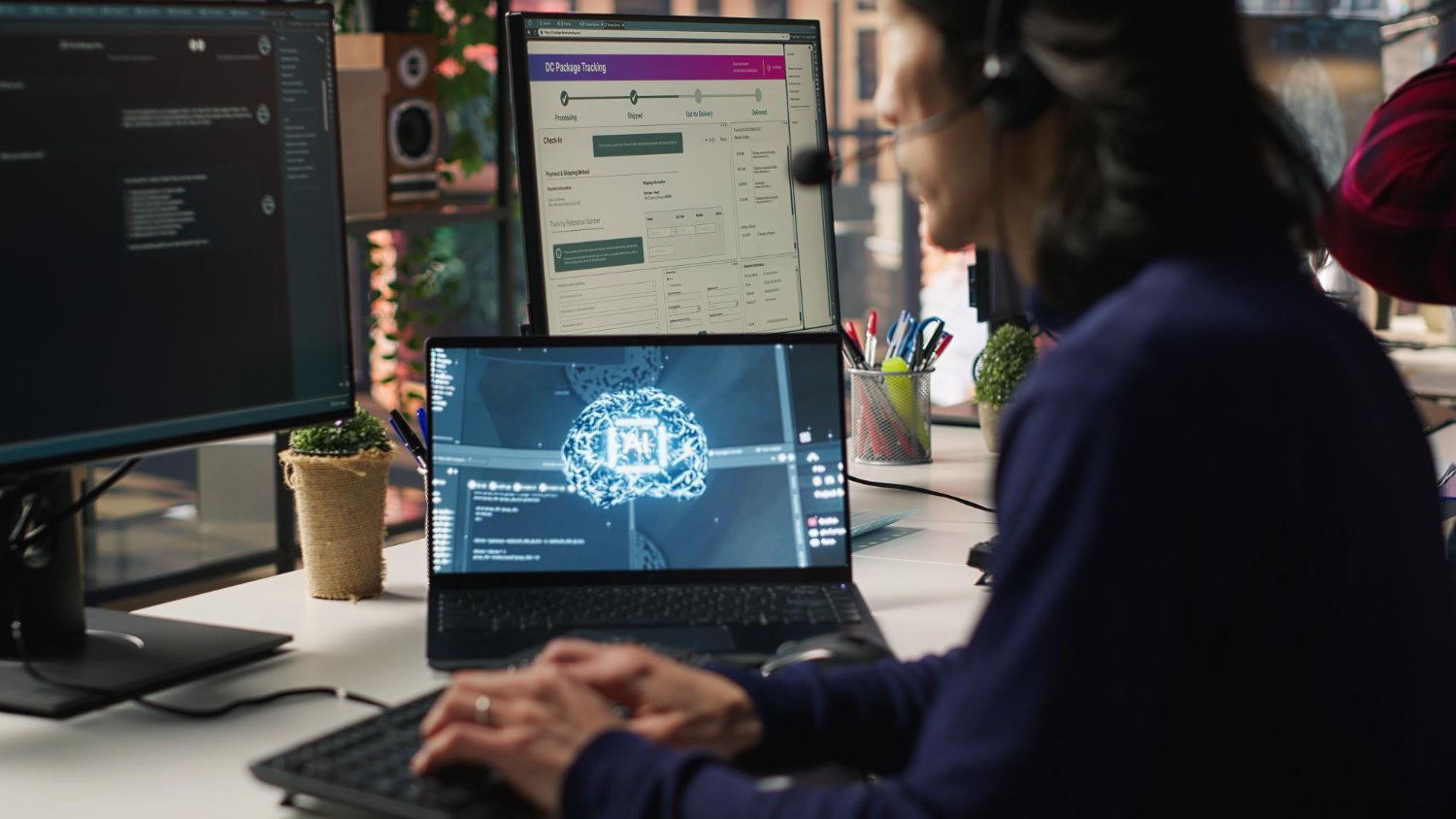
Integrate Business Central with appropriate field service, dispatch, scheduling, GPS, payment or customer-management applications. Integration design should account for data ownership, synchronization, security and the capabilities of each system.
















Explore how organizations worldwide transformed operations, streamlined finance and accelerated growth with Sarakadiya's Microsoft expertise.
Seamlessly Upgrading an MSP from Business Central 15 On-Premises to Business Central 25 Cloud
We’re excited to be part of Directions EMEA 2026 in Paris, connecting with Microsoft Dynamics 365 Business Central partners, technology leaders, and industry experts.