




If you’re running Continia OPplus with Microsoft Dynamics 365 Business Central, it’s time to plan what comes next.
Continia has confirmed that new OPplus sales will stop on October 1, 2026. Limited support continues until October 1, 2027, after which support ends completely and no further development is planned. Continia recommends that existing OPplus customers complete their transition to Continia Banking and Continia Finance, if applicable before that date. This is especially relevant for Business Central Online customers, since long-term OPplus compatibility on Online cannot be guaranteed.
Moving off OPplus is more than installing a replacement app. Before you migrate, you need to review your Business Central version, which OPplus functionality you actually use, your financial data, your customizations and integrations, and the finance processes your team depends on daily.
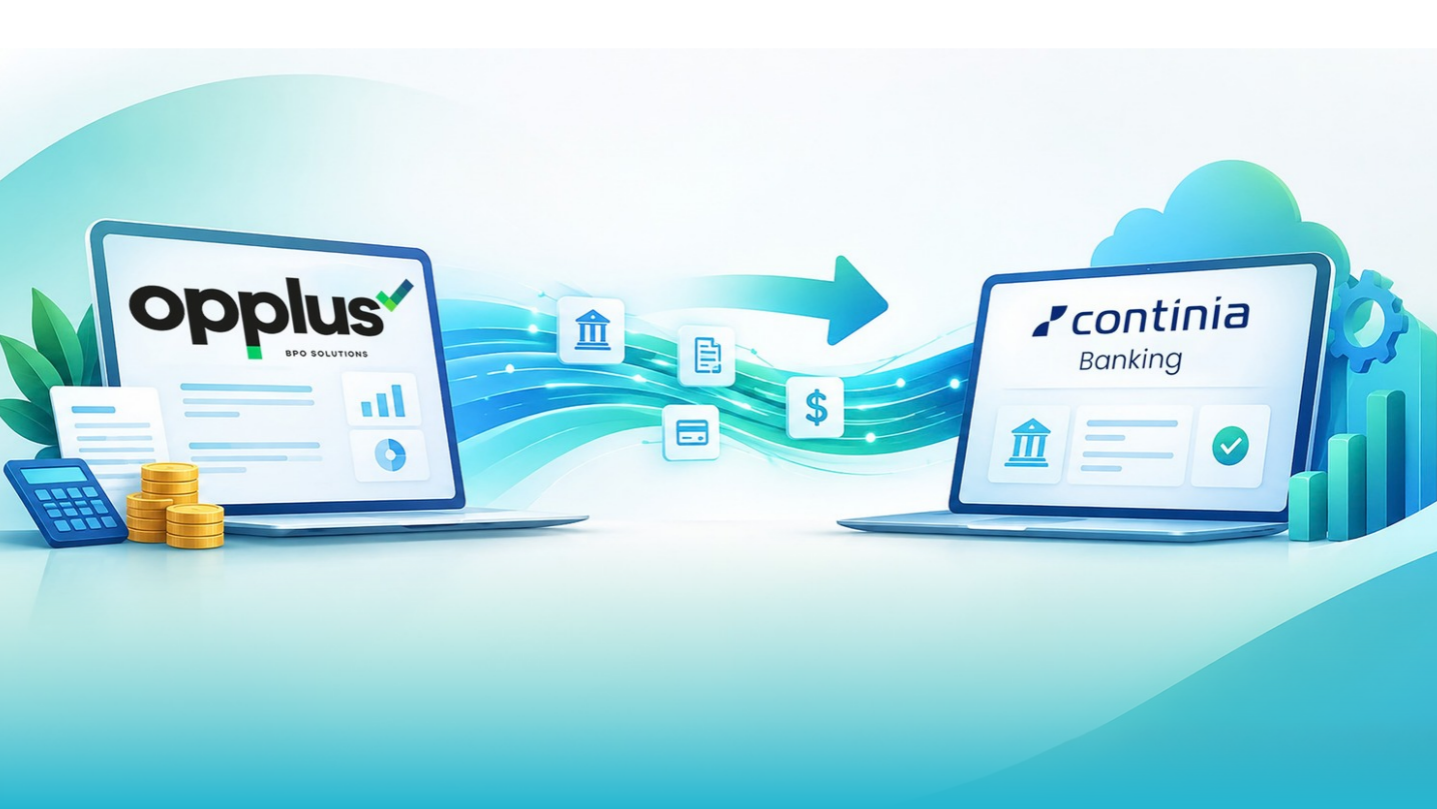
Continia provides dedicated migration tooling and field-mapping references for supported OPplus migration scenarios. This guide walks through why OPplus is being retired, how the migration actually works, what to check beforehand, and what to test before go-live.
Why Is OPplus Being Phased Out?
Continia will discontinue new OPplus sales from October 1, 2026. Limited support runs until October 1, 2027, after which no fixes or development will be provided. The recommended path is a transition to Continia Banking, and to Continia Finance where relevant functionality is in use.
Before planning the migration, document:
- Your current OPplus version and Business Central version
- Which OPplus functionality is actually in use
- Data that must be migrated, including historical records that need to stay accessible
- Customizations, extensions, and workflows tied to OPplus
- Integrations that exchange data with Business Central or OPplus
- The finance processes and go-live criteria that define success
Start with an honest assessment of the current environment not with the migration tool itself.
What Continia Actually Provides
An OPplus migration isn’t a rebuild from zero. Continia provides two separate, dedicated migration apps:
- OPplus to Continia Banking; migrates banking, payment, and reconciliation data, with a published field-mapping reference to verify how source data lands in the target tables.
- OPplus to Continia Finance; a separate app with field-mapping references broken out by module: Essentials, Extended tables, Factoring, Financial reports, Fixed assets, GL open entries, Installments, Multi-level payment discounts, and Treasury.
According to Continia’s own documentation, the migration itself follows three phases:
- Prepare and plan: check prerequisites, install the required apps from Microsoft Marketplace, and review the field-mapping references for the tables and modules you’ll be migrating.
- Run the migration tool: transfer the data. If you’re also adopting Continia Finance, that migration runs first, before the Banking migration.
- Verify and optimize confirm the migrated data and configuration are correct before treating the migration as complete.
That third phase is where most of the real project work sits. The tool moves the data; your team still needs to review configuration, validate integrations and customizations, and confirm the finance processes people rely on every day still work.
Continia Banking or Continia Finance?
This isn’t necessarily a one-to-one replacement, and the answer depends entirely on which OPplus modules your business actually uses.
- If your team’s OPplus usage is centered on bank statement imports, payment processing, account matching, and reconciliation, you likely need Continia Banking.
- If your team relies on fixed assets, GL open entries, financial reporting, installments, factoring, multi-level payment discounts, or treasury functionality, you’ll need Continia Finance as well.
- Many OPplus customers use functionality that spans both, in which case you need both solutions, migrated in the correct sequence (Finance data before Banking data, per Continia’s guidance above).
Review your actual OPplus modules and usage patterns before deciding. Don’t assume the target is a simple swap, some OPplus functionality maps directly, some maps to a different Continia module than you’d expect, and some may require a process change rather than a data migration.
What Happens to Your OPplus Data?
Continia’s migration tools and field-mapping references cover supported migration scenarios, and the mapping documentation lets you verify whether data has transferred correctly, module by module.
A practical approach:
- Review your existing data and functionality.
- Map the relevant source data to the target Continia solution using the published field-mapping references.
- Run the applicable migration tool (Banking, Finance, or both).
- Verify the migrated data against the source.
- Validate the business processes that depend on that data.
Continia’s post-migration guidance is explicit: check the migrated data and setup thoroughly before uninstalling OPplus. Migrating is not the same as verified.
Why Business Central Compatibility Matters
Plan your OPplus migration together with your Business Central upgrade plan, not separately from it.
Continia has confirmed that, starting from the 2025 R2 release cycle, the latest version of Continia Banking is compatible only with the latest version of Business Central. This is a meaningful shift from earlier versions, where more flexibility existed across BC versions.
The first technical question on your project should be: does our current Business Central version support the Continia version we plan to use? If not, a Business Central upgrade needs to be part of the migration project scope, not an afterthought discovered during testing. Because compatibility requirements change with each release, check Continia’s current compatibility matrix directly rather than relying on a fixed version-pairing assumption including this guide’s.
Customizations and Integrations
This is the area most likely to expand your migration’s scope. Review whether any of the following depend on OPplus functionality or data structures:
- Custom reports and extensions
- Workflows built around OPplus processes
- Custom fields tied to OPplus tables
- External payment or banking connections
- Any integration that reads from or writes to OPplus-related data
The question isn’t “can we install Continia Banking or Finance?” It’s “what changes in our Business Central environment once OPplus is gone?” Answering that before migration gives the project a realistic scope and avoids surprises during testing.
The Migration Process, Step by Step
- Assess the environment. Business Central version, OPplus version, functionality in use, data volume, customizations, and integrations.
- Determine the target. Continia Banking, Continia Finance, or both, based on the modules you actually use.
- Check prerequisites. Confirm Business Central and Continia version compatibility before installing anything.
- Install the apps. Get the required apps from Microsoft Marketplace.
- Run the migration tool(s). Finance first if you’re migrating both, then Banking.
- Verify the migrated data. Use the field-mapping references to check tables and fields against the source.
- Test finance processes. Have actual users run their real, everyday workflows in the new environment, not just the migration log.
- Go live and monitor. Complete cutover, then keep OPplus installed until every verification step above is signed off.
What to Test Before Go-Live
Testing needs to reflect real finance operations, not just a successful data transfer. At minimum, cover:
- Banking: bank statement imports, bank reconciliation, account matching, payment processing, payment reconciliation
- Finance: general ledger processes, financial reporting, open entries, fixed assets, and any other finance modules in scope
- Technical: integrations, extensions, workflows, custom reports, permissions, scheduled/job queue processes
- User acceptance: actual finance users completing representative day-to-day scenarios ideally including a full month-end cycle if your timeline allows it
The question that actually matters: can the finance team complete its normal work without falling back on OPplus?
Common OPplus Migration Risks
- Treating it as an installation. The application swap is the smallest part of the project.
- Starting too late. Compatibility issues, customization conflicts, and testing all need runway.
- Assuming data transfers cleanly without verification. The tools help; they don’t replace review.
- Ignoring customizations. Extensions, reports, and workflows can depend on structures that no longer exist post-migration.
- Forgetting integrations. Connected systems need review before go-live, not after something breaks.
- Skipping the Business Central compatibility check. Especially now that the latest Continia releases require the latest BC version.
- Removing OPplus too early. Complete and verify every required migration before uninstalling it.
How Sarakadiya Can Help
An OPplus migration touches more than the application itself — Business Central versions, financial data, customizations, integrations, reporting, and the finance processes your team runs every day. Sarakadiya supports this as a structured Business Central project:
- Migration assessment of your current OPplus and Business Central environment
- Migration planning: scope, dependencies, and target solution(s)
- Data and functionality review: what needs to move, what needs validation
- Business Central compatibility review against current Continia requirements
- Customization and integration review to flag dependencies before they become blockers
- Hands-on migration support for the Banking and Finance migration activities
- Testing and validation of the finance processes that matter most
- Go-live and post-migration support through cutover and stabilization
The goal is straightforward: make sure the new Continia environment actually works inside the Business Central environment your business already depends on.
Final Takeaway
Switching from OPplus to Continia Banking and/or Continia Finance is not just an application swap. Understand your current OPplus functionality, data, Business Central version, customizations, and integrations first — then plan, migrate, test, and validate around the processes your finance team actually relies on.
Continia provides the migration tools and mapping references. Starting early gives your team the runway to handle compatibility, data, customization, and testing before they turn into go-live problems.
Planning your OPplus migration? Sarakadiya can help assess your environment, map dependencies, plan the move to Continia Banking and/or Finance, and validate your core processes before go-live. Talk to Sarakadiya about your OPplus migration.
Frequently Asked Questions
Key Takeaways
- OPplus sales end October 1, 2026; limited support runs out October 1, 2027, after that, no fixes, no development.
- Migration isn’t a reinstall. Continia provides two dedicated migration apps, one for Banking, one for Finance, that handle data transfer and table mapping, following a documented three-phase process: prepare and plan, run the migration tool, verify and optimize.
- Banking vs. Finance isn’t either/or. Match it to what your team uses: payments and reconciliation point to Banking; fixed assets, installments, factoring, and treasury mean you need Finance too.
- Your Business Central version isn’t a side note from the 2025 R2 release cycle on, only the latest BC version gets the latest Continia Banking release.
- Data gets mapped, not guessed at. Continia publishes field-mapping references by module, worth checking line by line.
- Customizations and integrations are where timelines slip. Review them before migration, not during testing.
- A completed migration and a working finance team are two different milestones, test real processes, not just the migration log.
- Don’t remove OPplus until every migration you need is finished and verified.