

Home / AI Agents Services & Implementation
Move beyond traditional automation with AI agents that can understand business context, access trusted data, use connected tools, and complete multi-step tasks. Sarakadiya helps organizations design, build, deploy, integrate, and optimize AI agents using Microsoft Copilot Studio, Microsoft 365 Copilot, Dynamics 365, Power Platform, and the broader Microsoft AI ecosystem.
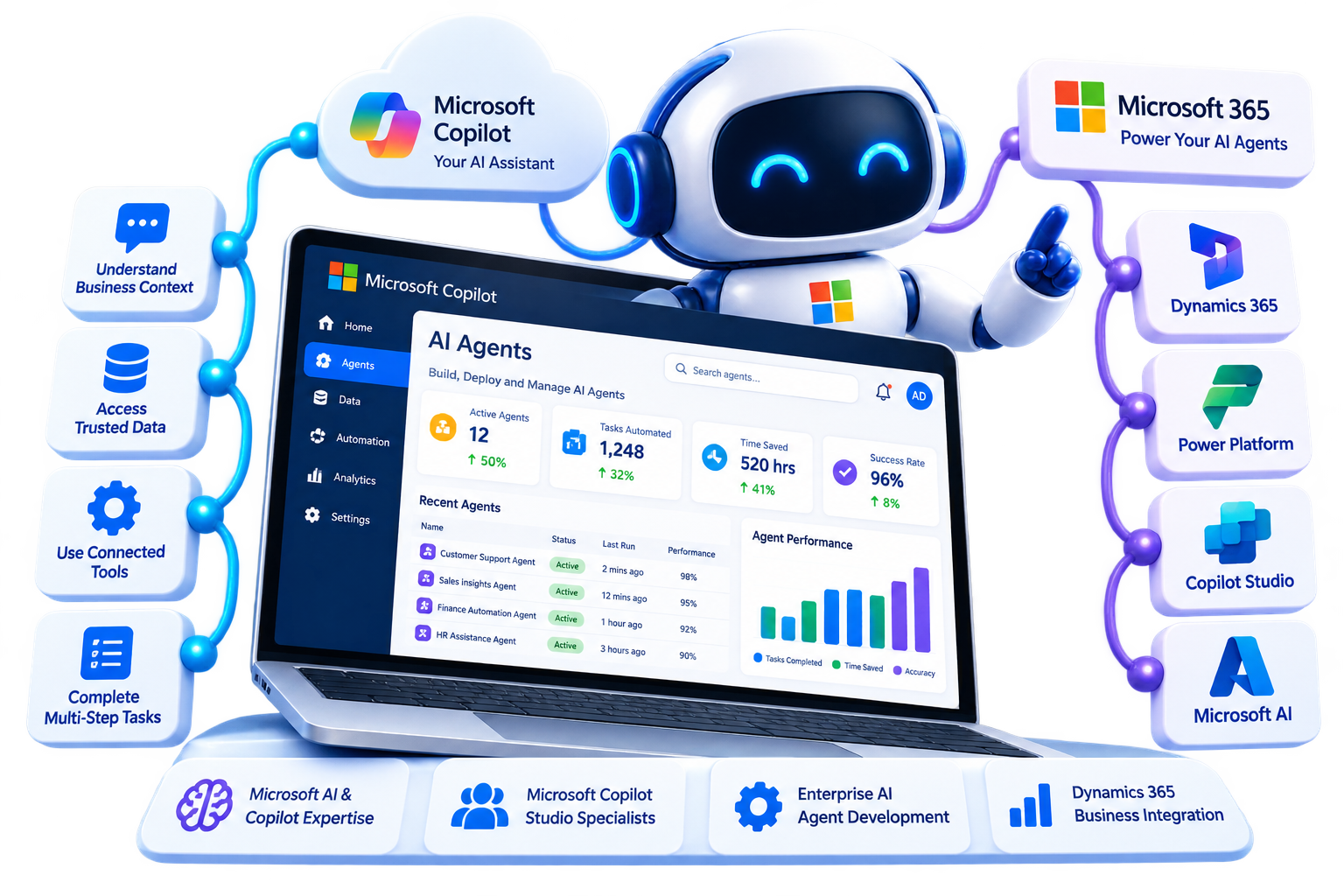

Organizations have more data, applications, and workflows than ever before. Yet employees still spend significant time searching for information, moving data between systems, responding to repetitive requests, preparing reports, and coordinating multi-step processes.
Traditional automation can execute predefined rules, while conversational AI can answer questions. AI agents go further by combining instructions, knowledge, tools, workflows, and reasoning to help complete tasks and business processes.
Microsoft Copilot Studio enables organizations to build AI-powered agents that connect to enterprise data and systems, use tools and workflows, and operate across channels such as Microsoft Teams, Microsoft 365 Copilot, websites, and other applications.
Use AI agents to automate repetitive processes and give employees intelligent assistance without requiring large-scale manual intervention.
Build governed AI agent solutions that integrate with enterprise data, applications, identity, security, and business processes.
Extend Dynamics 365 applications with AI agents that can support sales, service, finance, supply chain, and other business processes.
Build specialized agents that work within Microsoft 365 Copilot and help employees access organizational knowledge and complete tasks.
Automate repetitive workflows and create intelligent assistants for finance, HR, sales, customer service, procurement, IT, and operations.
Traditional automation typically follows predefined rules. Generative AI can understand natural language and produce responses. AI agents combine these capabilities with connected knowledge, tools, instructions, workflows, and reasoning to complete tasks within defined boundaries.
Microsoft describes an agent as an AI assistant that can handle conversations and complete tasks using its instructions, connected knowledge sources, and tools. Agents can also work proactively in certain scenarios.
This creates a new approach to business automation where AI can help employees not only find information, but also take action.

Allow employees and customers to interact with business processes using natural language.

Connect agents to approved enterprise knowledge sources, documents, business applications, and data.

Allow agents to call approved tools, connectors, APIs, and workflows to complete tasks.

Coordinate multiple actions across systems instead of requiring employees to perform each step manually.

Give employees specialized AI assistance for sales, finance, HR, service, operations, and other functions.

Create customer-facing agents that answer questions using approved knowledge and hand off to human representatives when required.
Deploy agents across Microsoft 365 Copilot, Teams, websites, business applications, and other supported channels.

Use agents and workflows together to support end-to-end business processes.
We help organizations leverage Microsoft Copilot, Copilot Studio, Dynamics 365, Microsoft 365, Power Platform, and related AI technologies.
We start with your business processes and identify where AI agents can realistically improve productivity, automation, and customer or employee experiences.
Connect agents to approved business data, knowledge sources, applications, APIs, and enterprise systems.
Build specialized agents around your organization's processes, terminology, knowledge, policies, and workflows.
Design agent solutions around appropriate identity, permissions, data access, governance, security, and responsible AI practices.
Combine agents with workflows and business automation to support multi-step processes.
Monitor agent performance, improve knowledge and instructions, refine workflows, and evolve your agent ecosystem as business requirements change.
Whether you’re exploring your first AI agent or planning an enterprise-wide agentic AI strategy, our experts can help you move from experimentation to scalable business adoption.
AI agents require a structured approach from identifying the right business use case to designing the agent, connecting enterprise knowledge and tools, testing behavior, deploying securely, and continuously improving performance.
Sarakadiya provides end-to-end AI agent services using Microsoft Copilot Studio and the Microsoft AI ecosystem.




Copilot Studio supports prebuilt and custom connectors for connecting agents and workflows to external data and systems.


Microsoft provides governance capabilities across Microsoft 365 Copilot, Copilot Studio, Power Platform, and Microsoft Entra environments for managing agents at enterprise scale.
Microsoft’s agent ecosystem supports different approaches depending on the business requirement—from simple specialized agents to enterprise agents with connected knowledge, tools, workflows, and integrations.
Microsoft 365 Copilot includes Agent Builder experiences for quickly creating agents, while Copilot Studio provides broader capabilities for organizations that need advanced workflows, integrations, deployment, and governance.



For appropriate scenarios, agents can operate with greater autonomy to monitor conditions, reason over information, and initiate defined actions.
Microsoft Copilot Studio supports agents that can be given their own account and work proactively on certain tasks and business processes.

Build agents that support sales teams across research, qualification, opportunity management, customer engagement, and follow-up.
Microsoft’s Dynamics 365 Sales ecosystem includes specialized agents such as Sales Qualification Agent, Sales Opportunity Agent, and Sales Close Agent, with capabilities and availability depending on the specific Microsoft offering and licensing.


Microsoft’s broader 2026 agent strategy includes role-based Finance Agent experiences within Microsoft 365 Copilot.

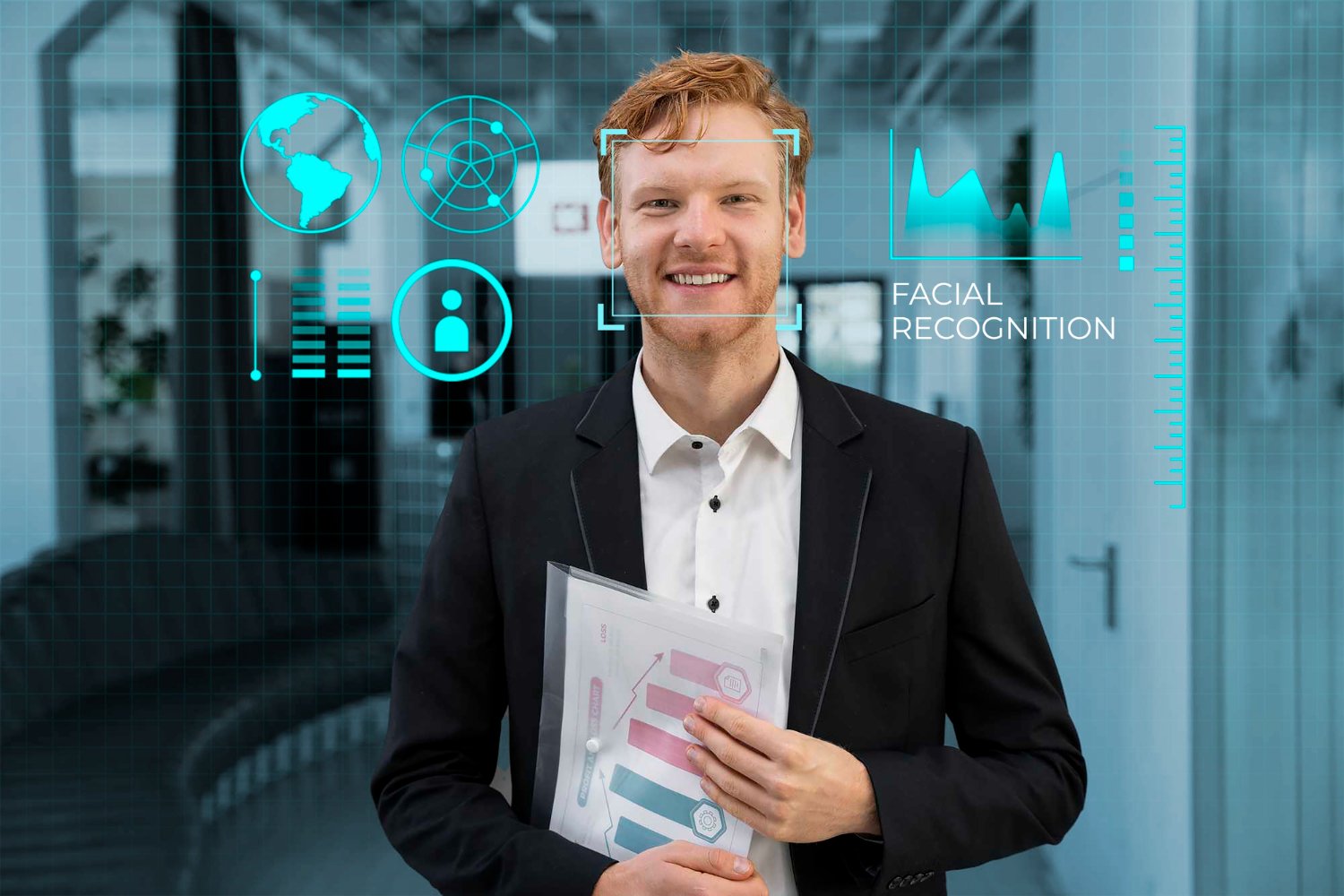

AI agents can connect business knowledge with tools, workflows, and applications to help organizations move from information retrieval toward intelligent action.
Sarakadiya helps you determine where agents are appropriate, where traditional automation is better, and where human approval should remain part of the process.
AI agents can support industry-specific processes by connecting organizational knowledge, business applications, workflows, and approved actions.
Sarakadiya helps organizations identify practical agent use cases based on their industry, business processes, technology environment, and governance requirements.

Automate routine operational processes and give teams faster access to production, inventory, procurement, and business information.

Support project teams, finance teams, sales teams, and operations with intelligent access to project and business information.

Help teams access operational, financial, procurement, and business information through specialized AI agents.

Automate repetitive supply chain and customer-facing processes while improving access to operational information.

Support employees and customers with project, client, financial, and knowledge-based AI agents.

Build governed AI experiences around approved information and business processes.

Support procurement, operations, sales, customer service, and internal teams with intelligent process automation.

Use AI agents to improve employee productivity, information access, donor-related processes, and administrative workflows.

Automate service, sales, scheduling, inventory, and internal knowledge workflows.

Support commercial, operational, procurement, and administrative processes through connected AI agents.
AI agents become more useful when they can access the systems, knowledge, and tools employees already use.
Sarakadiya helps organizations connect AI agents across Microsoft 365, Dynamics 365, Power Platform, Dataverse, Microsoft Teams, and other business systems.
Build, configure, test, publish, and manage AI agents and workflows using Microsoft's low-code agent platform.
Extend Microsoft 365 Copilot with specialized agents designed around specific business knowledge and processes.
Connect agents with sales, customer service, finance, supply chain, and other Dynamics 365 business processes. Microsoft's 2026 Dynamics 365 roadmap emphasizes agentic capabilities embedded into business applications.
Use Power Automate, Power Apps, Dataverse, and Copilot Studio to connect agents with business workflows and applications.
Deploy employee and customer-facing agent experiences within collaboration environments where supported.
Use Dataverse as a structured business data foundation for applications, workflows, and AI experiences.
Ground agents in organizational knowledge stored in SharePoint and other supported Microsoft 365 sources.
Extend ERP processes with AI-assisted experiences and specialized agents where supported, helping users interact with financial and operational information.
Integrate broader Azure services and AI capabilities when enterprise solutions require additional architecture, custom development, or advanced AI workloads.
Connect agents to third-party applications and enterprise systems through supported connectors, APIs, and integration patterns.









Seamlessly Upgrading an MSP from Business Central 15 On-Premises to Business Central 25 Cloud
An AI agent is an AI-powered system that can understand requests, use connected knowledge and tools, and perform tasks according to defined instructions and permissions. Microsoft describes agents as AI assistants that can handle conversations and complete tasks using connected knowledge sources and tools.
Traditional chatbots generally focus on conversational responses or predefined interactions. AI agents can combine natural-language understanding with enterprise knowledge, tools, workflows, and actions to complete business tasks.
Microsoft Copilot Studio is a low-code platform for building and managing AI agents and workflows. It allows organizations to connect agents to business data and systems and publish them to supported channels.
Depending on their configuration, AI agents can answer questions, retrieve information, use tools, initiate workflows, perform business actions, support employees, assist customers, and coordinate multi-step processes.
Agents can be connected to approved business knowledge sources and systems. Access should be designed around identity, permissions, data security, governance, and the specific connectors or integrations being used.
Yes, where the agent has been configured with appropriate tools, connectors, APIs, permissions, and actions. Organizations should define which actions an agent is permitted to perform and where human approval is required.
Yes. Microsoft Copilot Studio supports combining agents and workflows, allowing an agent to participate in or initiate multi-step business processes.
Yes. Microsoft is embedding AI agents and agentic capabilities across Dynamics 365 applications, including Sales and Customer Service.
Yes. Agents can extend Microsoft 365 Copilot and can be deployed through supported Microsoft 365 and Teams experiences.
Yes. Depending on the scenario, agents can connect to external systems through connectors, APIs, and other supported integration methods. Copilot Studio supports prebuilt and custom connectors.
Some agents can operate with a degree of autonomy, including proactively performing defined tasks. The level of autonomy should be designed around the business process, permissions, governance, risk, and required human oversight. Microsoft documents proactive agent scenarios in Copilot Studio.
Microsoft provides security, identity, governance, data protection, and administration capabilities across its agent ecosystem. However, security depends on how each agent, data source, connector, environment, identity, and permission model is configured.
Agent Builder in Microsoft 365 Copilot is designed for quickly creating agents for individual users or smaller teams using natural language and existing content. Copilot Studio is intended for broader and more advanced scenarios requiring capabilities such as multi-step workflows, custom integrations, broader deployment, and more granular governance.
Yes. Agents can be configured with organization-specific instructions, knowledge, tools, actions, workflows, and integrations. Copilot Studio provides capabilities for building and extending agents around specific business requirements.
Timelines vary based on the use case, knowledge sources, integrations, workflow complexity, security requirements, testing, deployment scope, and governance requirements.
Start with a business process rather than the technology. Identify repetitive, high-volume, knowledge-intensive, or coordination-heavy processes where an agent could provide measurable value. Then evaluate data availability, system integration, risk, required human oversight, and expected business outcomes.
Sarakadiya combines Microsoft Dynamics 365, Business Central, Microsoft 365, Power Platform, Copilot Studio, integration, and AI expertise to help organizations identify, build, deploy, govern, and optimize AI agents around real business processes.
AI agents are changing how organizations interact with data, applications, customers, and business processes.
Whether you’re exploring your first AI agent, looking to automate a specific workflow, extending Microsoft 365 Copilot, or planning an enterprise-wide agentic AI strategy, Sarakadiya can help you move from experimentation to practical implementation.
Our Microsoft-focused consultants help you identify high-value use cases, design the right agent architecture, connect trusted business data, integrate workflows, establish governance, and continuously optimize your AI agent ecosystem.