

Home / Autotask Integration with Business Central
Autotask Integration with Business Central is a Sarakadiya-built integration solution that connects Autotask PSA with Microsoft Dynamics 365 Business Central, helping service organizations align their operational and financial processes.
The integration enables automated data exchange between Autotask and Business Central for key business information such as customers, projects, contracts, tickets, time entries, expenses, charges, and invoices.
By reducing manual data entry and disconnected workflows, organizations can streamline the path from service delivery to financial processing, improve data consistency, and give operational and finance teams a more connected view of the business.
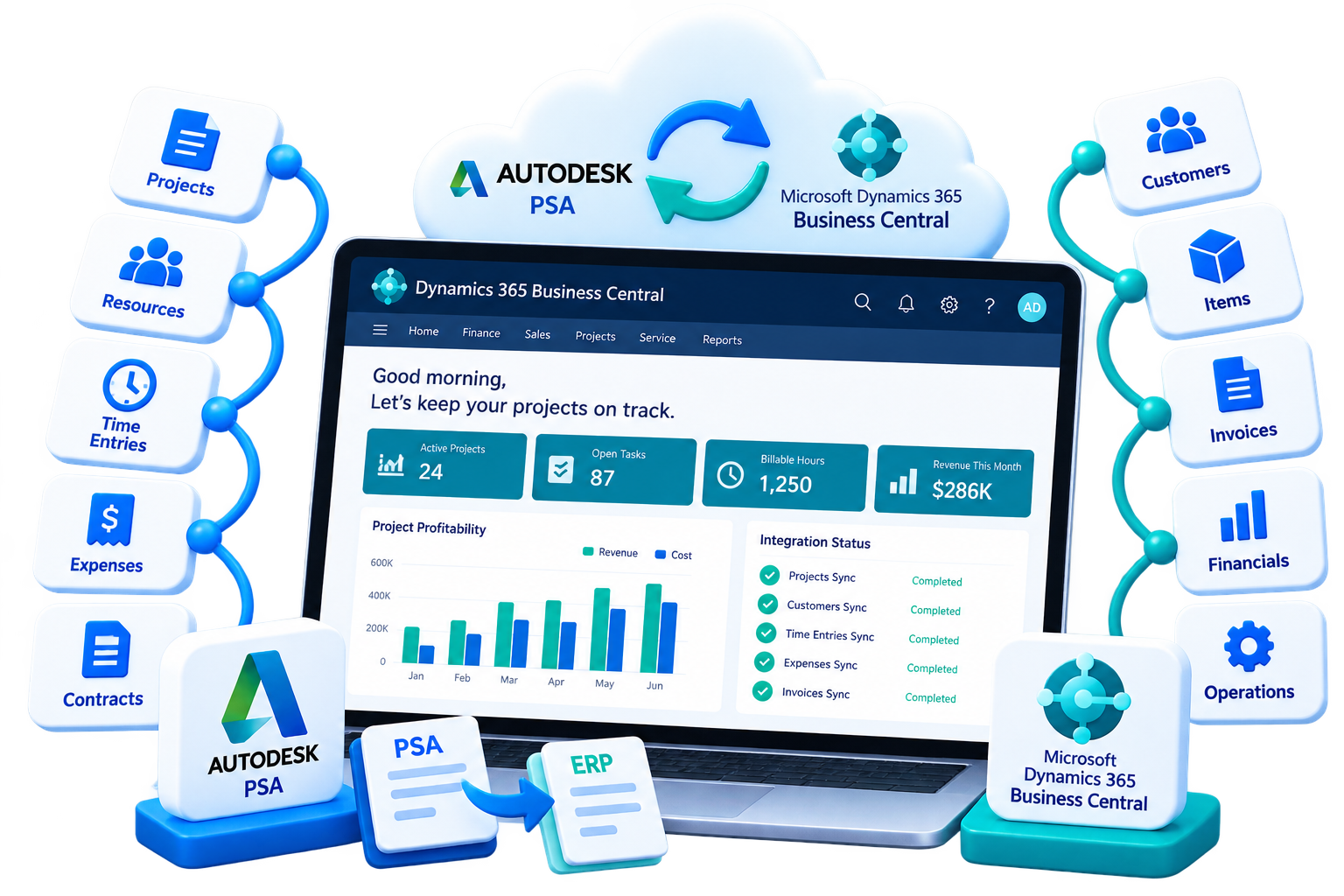
Autotask Integration with Business Central connects Autotask PSA and Microsoft Dynamics 365 Business Central so relevant operational and financial data can move between the two systems without relying on repetitive manual processes.
Autotask can support service operations such as tickets, projects, contracts, time, and service activities, while Business Central manages ERP and financial processes such as customers, invoicing, accounting, and financial reporting.
Sarakadiya’s integration helps bridge these systems so information captured during service delivery can flow into downstream financial processes and relevant Business Central data can be synchronized back to Autotask where required.
For MSPs and service-driven organizations, Autotask and Business Central can each play an important role in managing the customer lifecycle.
The challenge begins when information has to be manually transferred between them.
Manual data entry Teams spend time recreating customer, project, and billing information across multiple systems.
Approved time, expenses, and billable activities may require manual processing before they reach the financial workflow.
Customer and project records can become different across Autotask and Business Central.
Manual handoffs can make it harder to ensure every eligible service activity, time entry, or expense reaches the billing process.
Maintaining information in multiple systems increases the risk of duplicate or inconsistent data.
Operations and finance teams may spend unnecessary time comparing records and resolving discrepancies.
Disconnected workflows can create:
Sarakadiya’s Autotask Integration with Business Central connects your PSA and ERP workflows so relevant information can move between systems through an automated integration process.
Instead of relying on spreadsheets, exports, or repeated manual entry, organizations can create a more connected flow between service delivery, project management, billing, and financial processing.
Synchronize relevant customer information to help maintain consistent records across systems.
Connect project information between Autotask and Business Central to support operational and financial processes.
Keep relevant contract information aligned to support service and billing workflows.
Connect relevant service activity with downstream financial processes and help identify billable work.
Transfer approved time and expense information into Business Central to support billing and financial processing.
Connect applicable billable charges with Business Central for downstream financial workflows.
Move relevant invoice and billing information between systems to reduce manual invoice processing and reconciliation.
Keep customer information aligned between Autotask and Business Central. Reduce duplicate entry and help your teams work with consistent customer records across operational and financial workflows.
Connect project information between your PSA and ERP environments. This helps service and finance teams maintain better alignment around project-related activities and billing.
Bring relevant ticket and service activity into the financial workflow. This helps organizations connect service delivery with billable processes and reduce the risk of overlooking eligible charges.
Move approved time entries and expenses from Autotask into Business Central. Reduce manual re-entry and create a more efficient process for moving service-related costs and billable information into financial operations.
Connect relevant contract and charge information to support your existing service and billing processes. Maintain better continuity between contractual service activity and financial processing.
Connect Autotask billing information with Business Central to streamline invoice-related workflows. Reduce repetitive data entry and help your finance team spend less time reconciling information between systems.
Where supported by the integration workflow, relevant information can move between Autotask and Business Central in both directions. This helps reduce isolated data silos and keeps operational and financial teams working from more consistent information.
Tickets, projects, contracts, time entries, expenses, and other service activities are managed in Autotask.
Relevant billable information is identified and processed according to your organization's workflow.
Required information is exchanged between Autotask and Business Central.
Business Central receives the relevant information required for invoicing and financial operations.
Operational and finance teams can work with aligned customer, project, service, and billing information.
One connected workflow. Fewer manual handoffs. Better operational continuity.

Move relevant approved billing information into Business Central more efficiently, helping reduce unnecessary administrative delays.

Keep relevant customer, project, service, time, expense, and billing information aligned across systems.

Connect service activity with financial workflows to help reduce the risk of billable activities being missed during manual handoffs.

Give operations and finance teams better-connected records and reduce the need to repeatedly compare information across separate systems.

Create a more connected view of service operations and financial processes so teams can make decisions using more consistent information.
Automated integration can help organizations manage growing transaction volumes without relying on proportional increases in administrative effort.

The goal is not simply to connect two applications.
It is to create a more efficient information flow between service delivery and financial operations.
We assess your Autotask and Business Central environments, workflows, data, and integration requirements.
We define the appropriate data flows, synchronization requirements, and business rules.
We implement the integration around your operational and financial processes.
We help refine workflows as your business and integration requirements evolve.

Every service organization has different customer structures, billing processes, approval workflows, project models, and financial requirements.
That’s why integration should be aligned with your actual business processes—not treated as a one-size-fits-all connection.
Sarakadiya can help you evaluate your Autotask and Business Central workflows and determine how the integration can support your requirements.
Yes, the integration can support the transfer of relevant approved time entries and expense information from Autotask into Business Central, depending on the configured workflow and requirements.
Your PSA and ERP systems should work together—not create another layer of administrative work.
With Autotask Integration with Microsoft Dynamics 365 Business Central, connect service operations with financial processes, reduce manual handoffs, and create a more efficient path from service delivery to billing and financial processing.
Ready to connect Autotask with Business Central?